22
Quick Setup Guide
Quick Setup
Guide
1.4.5 Integrated Peripherals
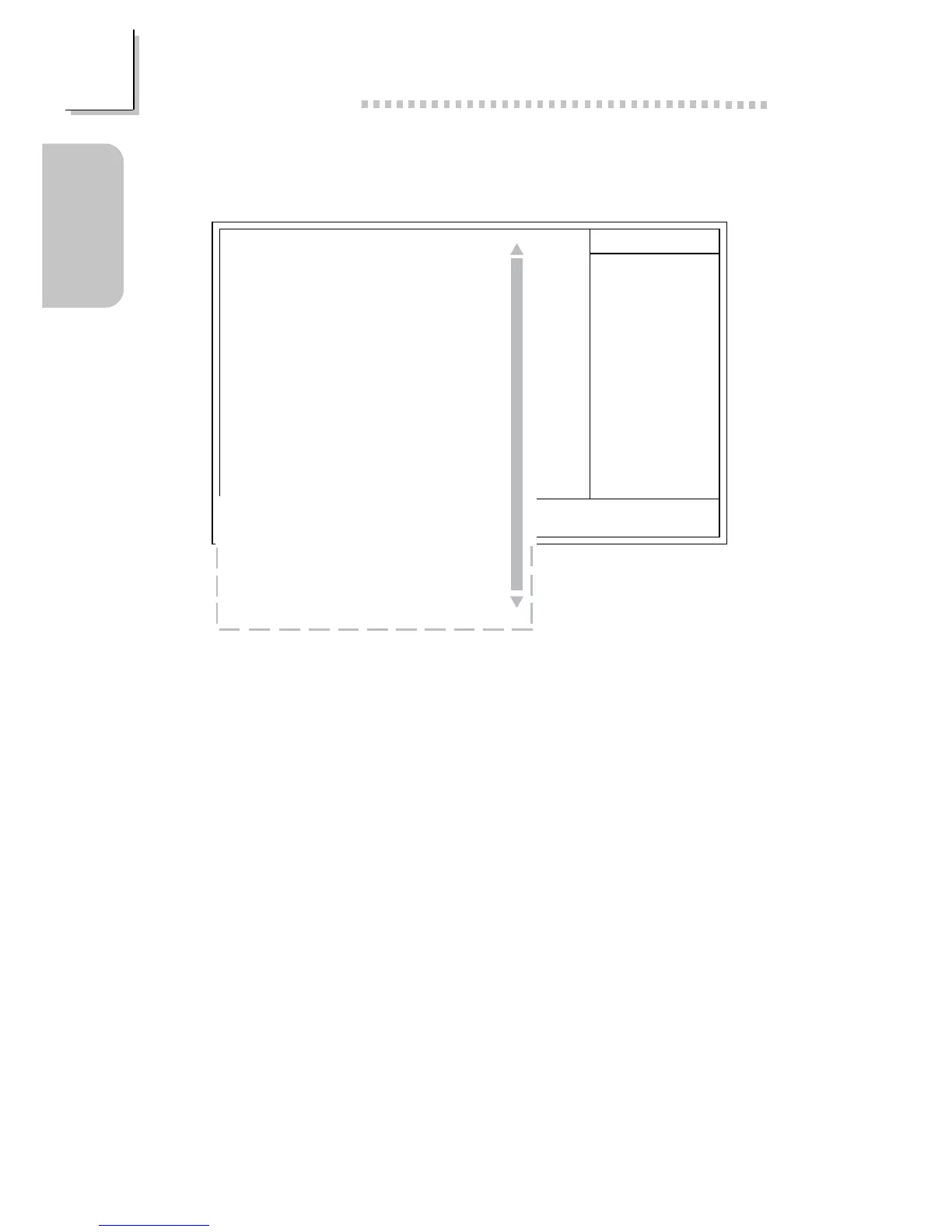
The screen above list all the fields available in the Integrated Peripherals
submenu, for ease of reference in this manual. In the actual CMOS setup,
you have to use the scroll bar to view the fields. The settings on the screen
are for reference only. Your version may not be identical to this one.
X
X
CMOS Setup Utility - Copyright (C) 1984-2000 Award Software
Integrated Peripherals
Item Help
Menu Level
↑↓→← Move
F6:Fail-Safe Defaults F7:Optimized Defaults
F1:General HelpEnter:Select
F5:Previous Values
+/-/PU/PD:Value F10:Save ESC:Exit
On-Chip Primary IDE
On-Chip Secondary IDE
IDE Prefetch Mode
IDE Primary Master PIO
IDE Primary Slave PIO
IDE Secondary Master PIO
IDE Secondary Slave PIO
IDE Primary Master UDMA
IDE Primary Slave UDMA
IDE Secondary Master UDMA
IDE Secondary Slave UDMA
Init Display First
IDE HDD Block Mode
Onboard FDD Controller
Onboard Serial Port 1
Onboard Serial Port 2
UART2 Mode Select
IR Function Duplex
TX,RX Inverting Enable
Onboard Parallel Port
Parallel Port Mode
ECP Mode Use DMA
EPP Mode Select
Onboard Legacy Audio
Sound Blaster
SB I/O Base Address
SB IRQ Select
SB DMA Select
MPU-401
MPU-401 I/O Address
Game Port (200-207H)
Enabled
Enabled
Enabled
Auto
Auto
Auto
Auto
Auto
Auto
Auto
Auto
PCI Slot
Enabled
Enabled
3F8/IRQ4
2F8/IRQ3
Standard
Half
No, Yes
378/IRQ7
ECP/EPP
3
EPP1.7
Enabled
Disabled
220H
IRQ 5
DMA 1
Disabled
330-333H
Enabled



 To Next Page