23
Quick Setup Guide
Quick Setup
Guide
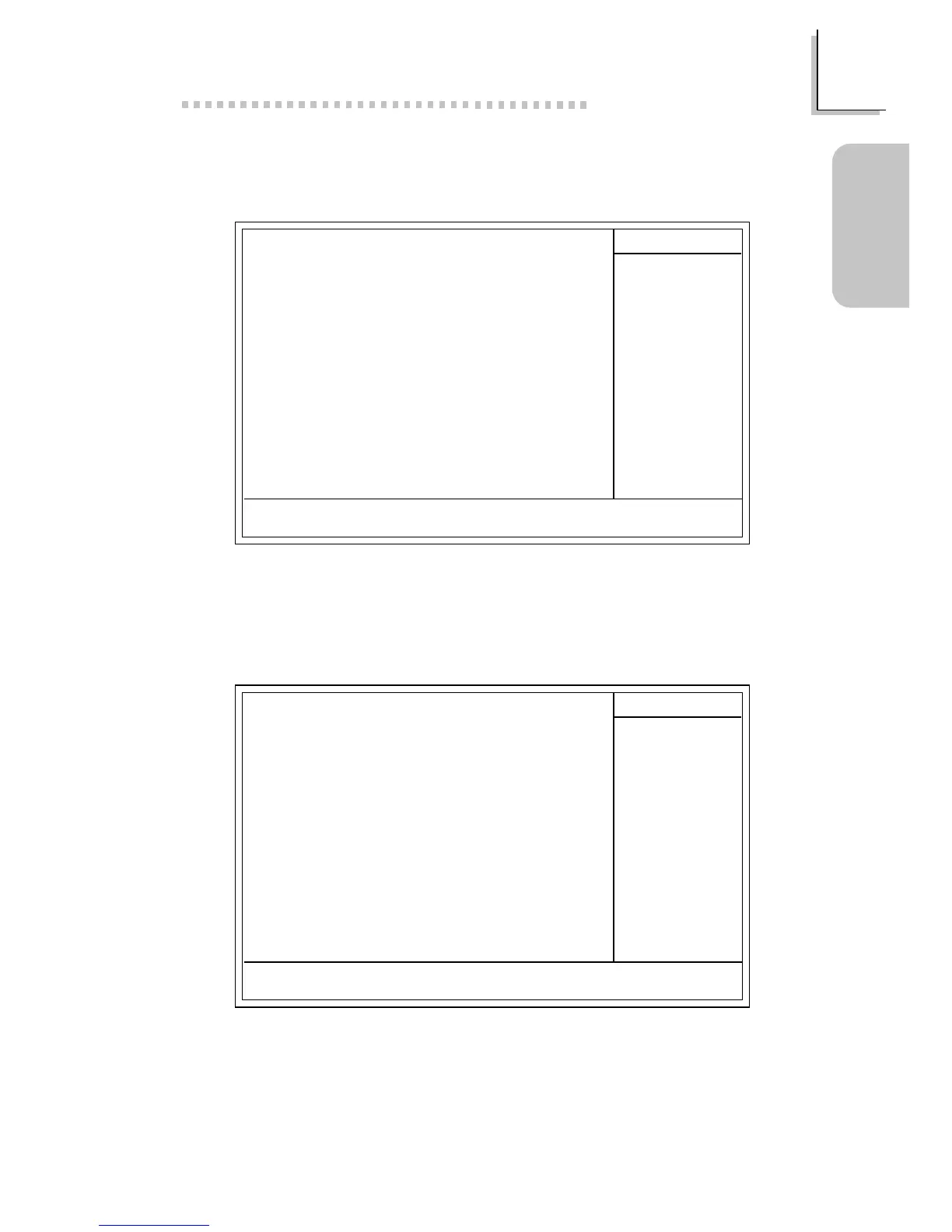
1.4.7 PnP/PCI Configurations
1.4.6 Power Management Setup
The settings on the screen are for reference only. Your version may not be
identical to this one.
CMOS Setup Utility - Copyright (C) 1984-2000 Award Software
Power Management Setup
ACPI Function
Power Management
ACPI Suspend Type
PM Control by APM
Video Off Option
Video Off Method
MODEM Use IRQ
Soft-Off By PWRBTN
PWR Lost Resume State
Wake Up Events
Enabled
Press Enter
S1(POS)
Ye s
Suspend -> Off
V/H SYNC+Blank
3
Instant-off
Keep Off
Press Enter
Item Help
Menu Level
↑↓→← Move
F6:Fail-Safe Defaults F7:Optimized Defaults
F1:General HelpEnter:Select
F5:Previous Values
+/-/PU/PD:Value F10:Save ESC:Exit
K
K
The settings on the screen are for reference only. Your version may not be
identical to this one.
X
CMOS Setup Utility - Copyright (C) 1984-2000 Award Software
PnP/PCI Configurations
Reset Configuration Data
Resources Controlled By
IRQ Resources
PCI/VGA Palette Snoop
Assign IRQ For VGA
Assign IRQ For USB
Disabled
Auto(ESCD)
Press Enter
Disabled
Enabled
Enabled
Item Help
Menu Level
Default is Disabled.
Select Enabled to
reset Extended System
Configuration Data
(ESCD) when you exit
Setup if you have
installed a new add-on
and the system
reconfiguration has
caused such a serious
conflict that the OS
cannot boot.
↑↓→← Move
F6:Fail-Safe Defaults F7:Optimized Defaults
F1:General HelpEnter:Select
F5:Previous Values
+/-/PU/PD:Value F10:Save ESC:Exit



 To Next Page