EN
11
Recording Settings
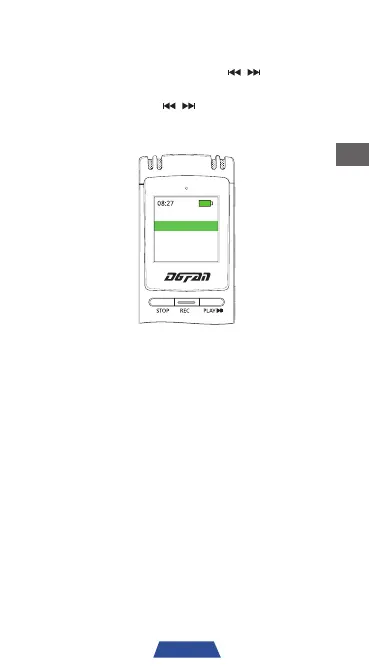
Turn on the device, then press ' ' to navigate
to "Recordings" and press 'PLAY' to confirm
selection. Then use '
' to navigate to
"Recording Setting" and press 'PLAY' to confirm
selection.
Record Setting
Recording library
Recording Mode
Select between normal scene and dynamic
noise reduction.
Recording Format
Select between WAV and MP3 file format.
Recording Quality
Set the bit rate of the recording file.
VOC voice control
Set the voice activated recording.
NOTE: When in dynamic noise reduction mode,
the recording file name will appear with “RNC”.
When in normal scene mode, the file name will
appear with “REC”.


 To Next Page