5
3. Start playing chess
When rst using Centaur, it is recommended to fully charge the battery. To charge it connect the adapter
as indicated in the quick guide.
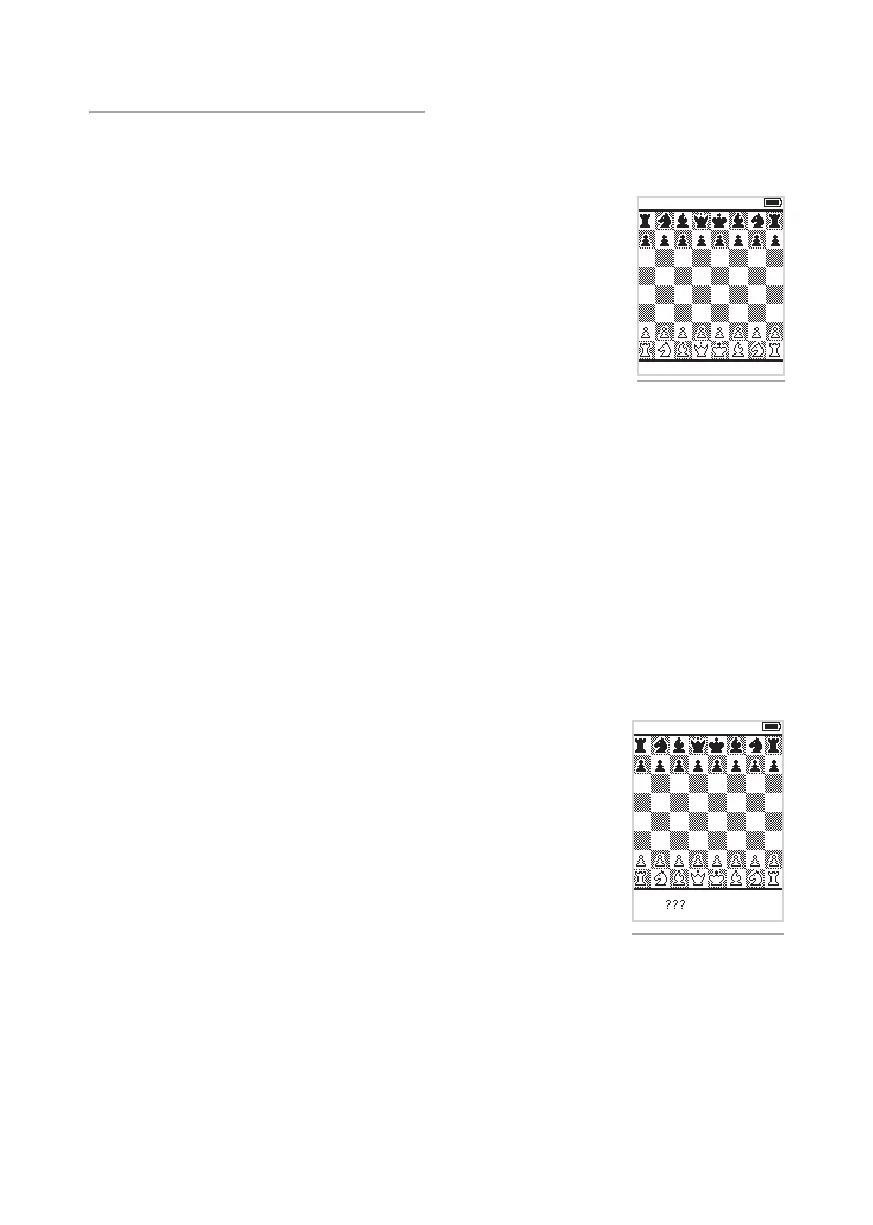
Figure 3. Starting position.
LED indication
When making a move the destination square will briey light up indicating that Centaur has recognized
your move. Centaur is now thinking about its move. Centaur’s move will be indicated the alternating
ashing of the starting square and the destination square for the piece it wants to move. It will stop
ashing as soon as you make the move for Centaur. After this it is your turn and you can make your next
move.
You can always decide to ignore the indicated move that Centaur wants to play and make a dierent
move for Centaur instead. Centaur will automatically detect any other move you make and play will
continue with that move.
An illegal move
If you play a move that, according to the rules of chess, is not allowed, the
departure square and the destination square will blink rapidly and, when sound
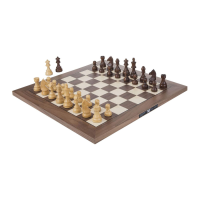
is on, a beep will be heard. Three question marks will be shown on the display
to indicate an illegal move. The blinking of the squares will stop when the piece
is put back on its original square or when a legal move is made.
The three question marks are shown when:
• Centaur checked your King but your move did not defend against the check;
defend against the check by either moving a piece between your King and
the attacking piece, by capturing the attacking piece or by moving your
King to a square where it is no longer in check.
• Centaur detected a move that contradicts the rules for the movement of that
piece; check whether you placed the piece on the correct destination square
in line with the movement rules for that particular piece.
• Centaur cannot detect the piece; check whether you placed the piece in the
center of the destination square.
Figure 4. Three question marks.
Begin a game
Turn on Centaur by pressing the “Play/Pause” button. During start-up, Centaur
beeps and the LED’s in the board light up and the chess pieces are detected.
Place the pieces on the board in their starting position.
You can now make your rst move and the game begins. You do not have to
press on the squares but you can simply move the pieces just like you would on a
regular chess board.
To turn o Centaur keep the “Play/Pause” button pressed in for three seconds. A
short tone is heard. During shutdown the LED in the right corner pulsates slowly
until Centaur is completely turned o.


 To Next Page