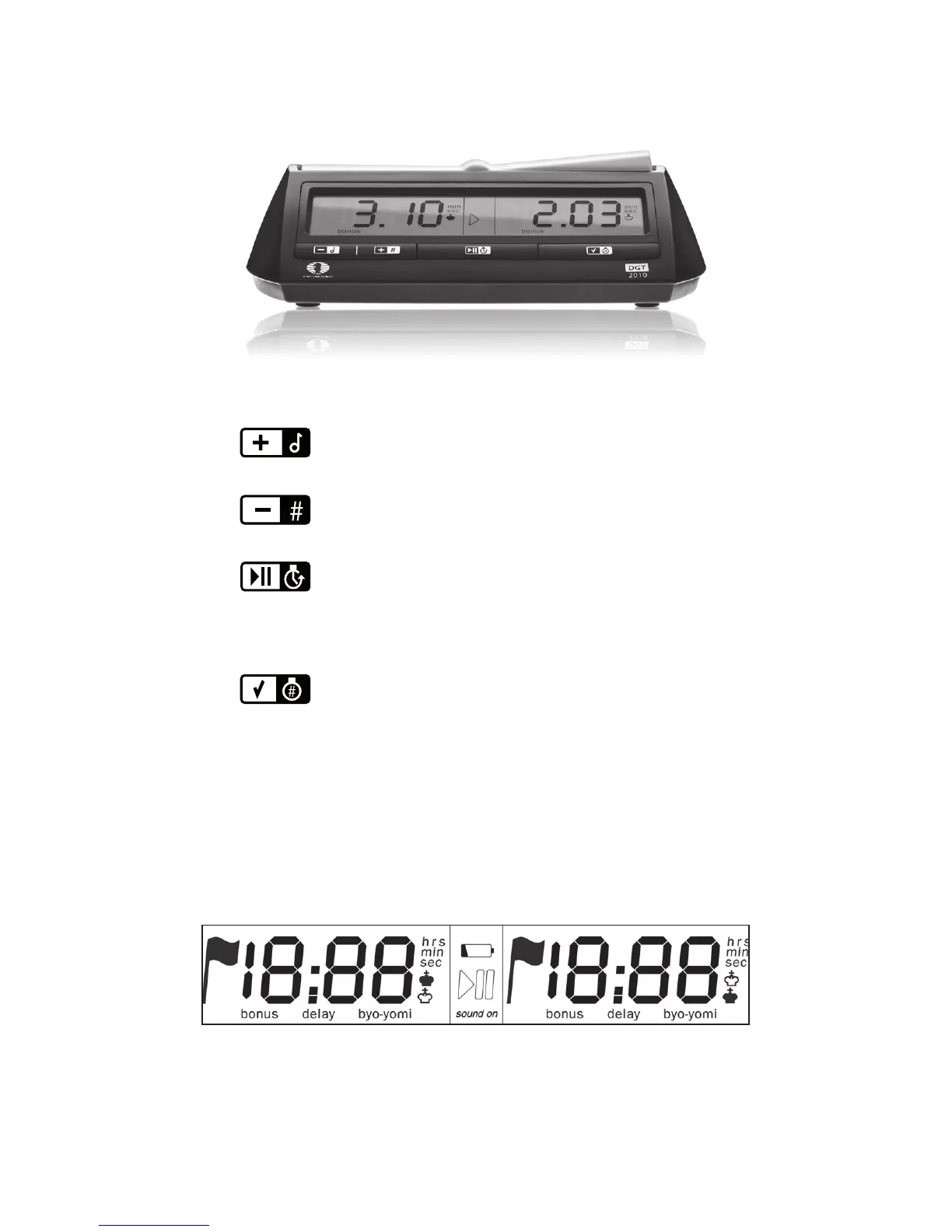
Increasing the ashing number
Enable/disable sound
Decreasing the ashing number
Show move number
Start/Stop
Start the clock
Stop or restart the clock
Push 3 seconds for time adjustment
OK:
Activates the chosen option number
Activates the desired ashing number
Checks active option number when pressed
during a game; correct display contrast
Switches the clock on and o
© Copyright 1994-2007 DGT BV
DGT BV PO Box 1295 7500 BG Enschede The Netherlands
Control buttons
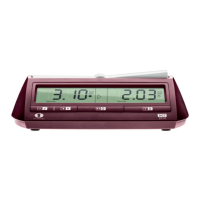
DGT2010 Display
ON/OFF


 To Next Page