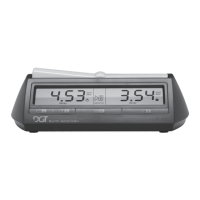
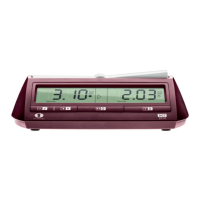
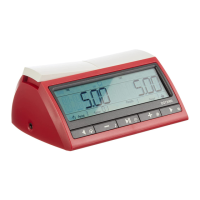
Need help?
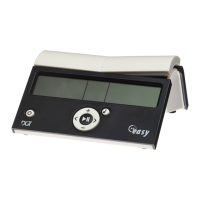
Do you have a question about the DGT Easy Timer and is the answer not in the manual?
Take the easy gametimer out of the box and slide the battery cover open. Place 2 penlight batteries (AA, 1.5V) into the battery case.
Switch the easy gametimer on by pressing on the On/Off button. The first time this is done, the default mode shows the 'Game timer' method.
Count down of the clock can be temporarily interrupted by pressing the central Start/Stop button.
Press briefly on the On/Off button and the easy gametimer is ready for a new game. Settings are identical to the previous game.
You may switch the sound signal on or off at any time during the game by pressing the sound button.
Press +/– until the desired time appears in both displays. Maximum time-limit is 9 hours and 59 minutes.
Move with < / > until a player's area blinks, then press +/– to set their desired time.
Move with < / > until time measuring modes blink, then press +/– to select the desired mode.
Each player has time for each separate move. After completing a move, the player gets allotted time for the next.
Each player has reflection time for the entire game. Player decides how to divide the time available for the game.
If reflection time is set to 0:00, both times switch to 'count up' mode. Time used is recorded.
Batteries: Penlight (AA, 1.5V), 2 pieces. Alkaline type recommended. Service life: at least 2 years. Accuracy: better than one second per hour.
DGT guarantees quality. Contact agent for defects within the first year. Warranty valid if used prudentially and not repaired without permission.
 General
| Pause Function | Yes |
|---|---|
| Power Source | Battery |
| Dimensions | 14 x 8 x 4 cm |
| Time Control | Buttons |
| Functions | Pause |

 To Next Page