Picture CD playback
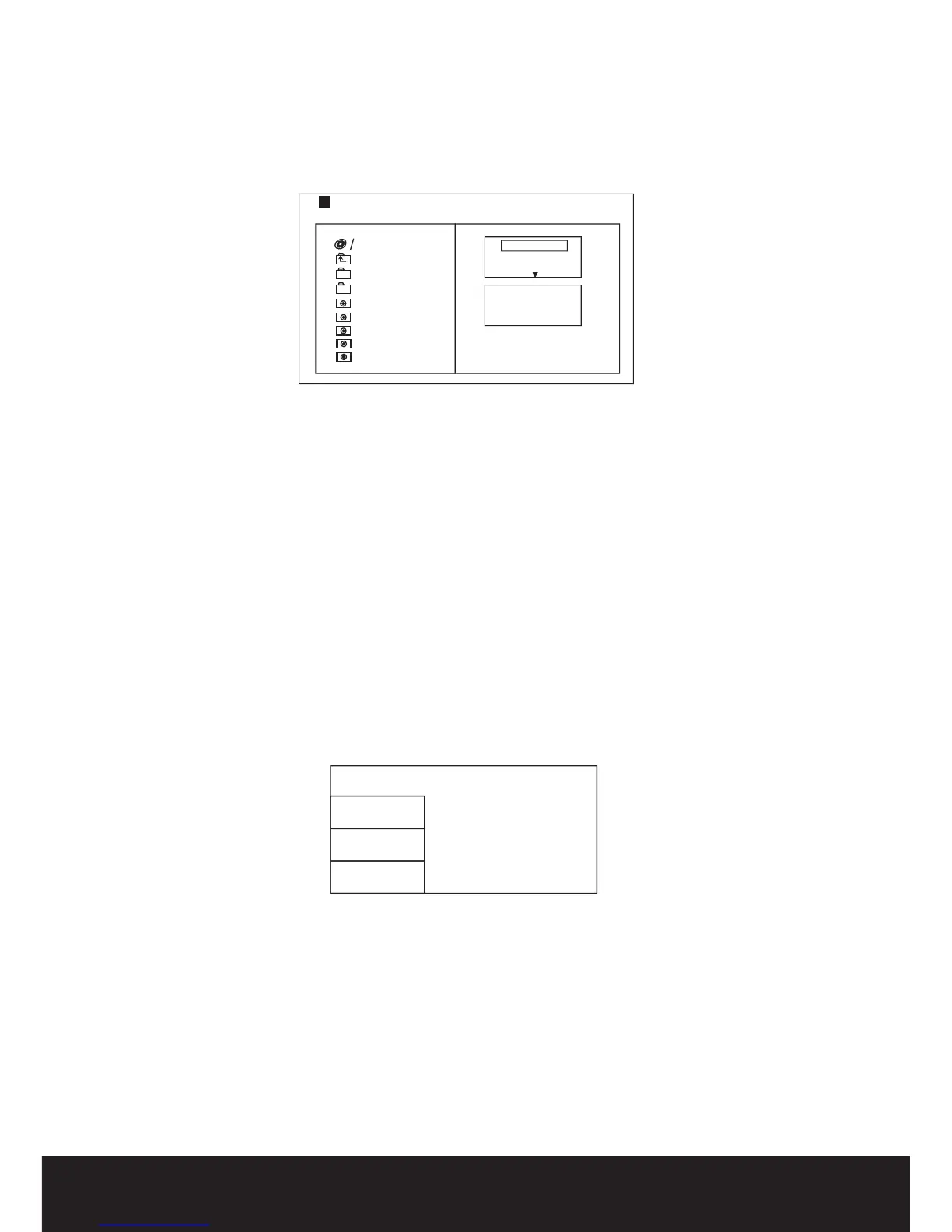
Loading a disc with images will prompt the following directory display as shown below
1
/7
1
2
1
0
0
1
0
2
1
0
3
1
0
4
1
0
5
R
e
p
e
a
t
o
ff
M
o
d
e
N
o
rm
a
l
F
il
te
r
J
P
E
G
P
r
e
v
ie
w
P
h
o
to
Select the sub directory of choice by using the directional keys. Press the ENTER button to open sub
directory. Use directional keys to select the desired image of choice and press ENTER to preview.
Image rotation
While image is in preview mode, press the directional keys to rotate the image.
System Setup
MENU OPERATION
Press the SETUP button on the remote control.The SETUP MENU will be displayed.
After accessing the setup menu, press the buttons up and down to make a menu selection
then press the ENTER button to confirm.
LEFT button to return to the menu.
To exit the setup, press the SETUP button again.
LANGUAGE SETUP
directional
Press the directional
Below is a breakdown of the menu options.
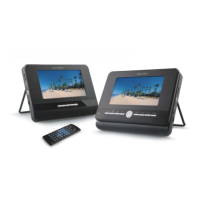
Below is an image of the Language sub menu:
OSD Language
Audio
Selects the On Screen Display Language (English) for all menu items.
Selects the language (English) for DVD subtitle operation.
Selects the Audio language (English) for DVD audio playback.
Subtitle
Language
Video
Rating
Misc
OSD Language
Subtitle
Audio
DVD Menu
9


 To Next Page