7
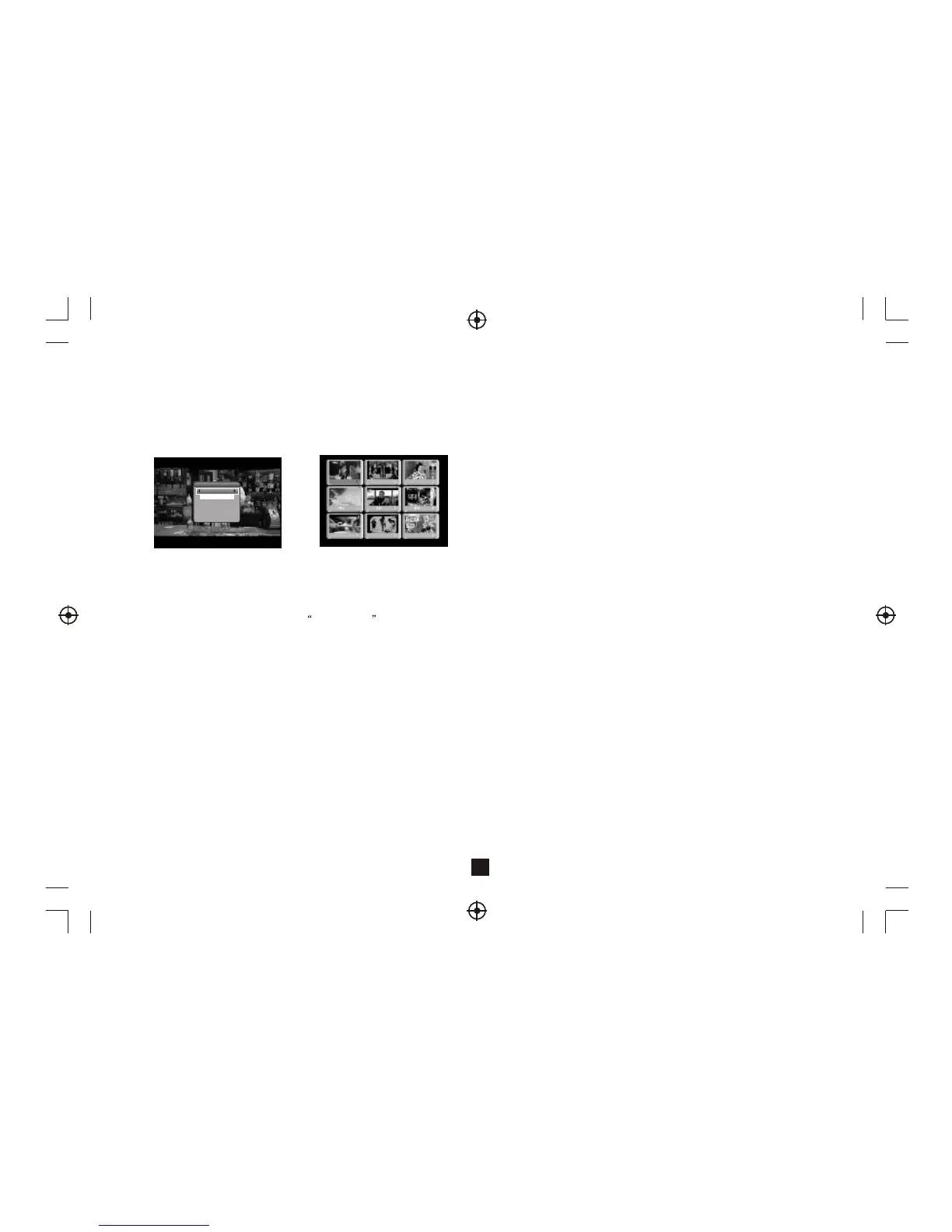
Figure 11. Subtitle Setting Page
3.10 Teletext Subtitle
Display subtitle by teletext, the style of the teletext subtitle may be
different by content provider.
Figure 12. Digest
3.9 Subtitle
Display the subtitle on screen, the style of subtitle may be different by
content provider. See Figure 11.
Press <Subtitle> button to display subtitle setting page.
Press <Up/Down> button to select subtitle language, if the program has
subtitle.
Press <OK/Exit> button to exit subtitle setting page.
3.11 Guide
Press <GUIDE> button at normal play state, see section 2.3.2 for details.
3.12 Auto Sleep
Press <RED> button for the auto sleep function at normal play state, 12, 30,
60, 120 minutes and OFF can be selected.
3.13 List
Press <GREEN> button at normal play state, see section 2.3.1 for details.
3.14 Digest
Press <YELLOW> button at normal play state, digest can display 9
programs on screen each time. But only the selected program is
playing, others will display a snapshot. See Figure 12.
Press <YELLOW> button to display digest.
Press <Up/Down/Left/Right> button to browse program.
Press <OK> button to switch program and watch it.
Press <Exit> button to return normal play mode.
Press <Text/Subtitle> button to display teletext or subtitle setting page.
Press <Left/Right> button to select TTX Subtitle .
Press <Up/Down> button to select teletext subtitle language.
Press <OK/Exit> button to exit the setting page.
3.15 Message
There are some messages to inform user the current status of the STB.
3.15.1 No Signal
STB can't get signal, for example, cable is disconnected.
3.15.2 No Service
Program doesn't have any content to play.
3.15.3 Service Scrambled
Program is scrambled for payment, you need contact with the content
provider to know how to descramble it.
3.15.4 Antenna Overload
Power supplied to antenna is overloaded
3.15.5 HDTV Not Support
If the program content is HDTV format, this STB doesn't support it.
3.15.6 Channel Locked
Program is locked by setting lock (see section 2.3.1.2) and turning on
channel lock in password setting (see section 2.2.3.2). User must input
correct password to watch program.
SUBTITLE
Subtitle Language
eng
OFF



 To Next Page