1) Read these instructions.
2) Keep these instructions.
3) Heed all warnings.
4) Follow all instructions.
5) Do not use this apparatus near water.
6) Clean only with dry cloth.
7) Do not block any ventilation openings, install in accordance with
the instructions.
8) Do not install near any heat sources such as radiation, heat
registers, stoves, or other apparatus (including amplifiers) that
produce heat.
9) Do not defeat the safety purpose of the polarized plug. If the
provided plug does not fit into your outlet, consult an electrician for
replacement of the obsolete outlet.
10) Protect the power cord from being walked on or pinched
particularly at plug.
11) Only use attachments/accessories specified by the manufacturer.
12) Unplug this apparatus during lightning storms or when unused for
long periods of time.
13) Refer all servicing to qualified service personnel. Servicing is
required when the apparatus has been damaged in any way
such as power cord or plug is damaged, liquid has been
spilled, objects have fallen into the apparatus, the apparatus
has been exposed to rain or moisture, does not operate normally,
or has been dropped.
14) Mains plug should be turned off if apparatus is not in use for a
15) The ventilation should not be impeded by covering the ventilation
openings with items such as newspapers, table-cloth, curtains,
etc.
16) No naked flame sources, such as lighted candles, should be
placed on the apparatus.
17) Attention should be drawn to the environmental aspects of battery
disposal.
18) Use apparatus in moderate climate.
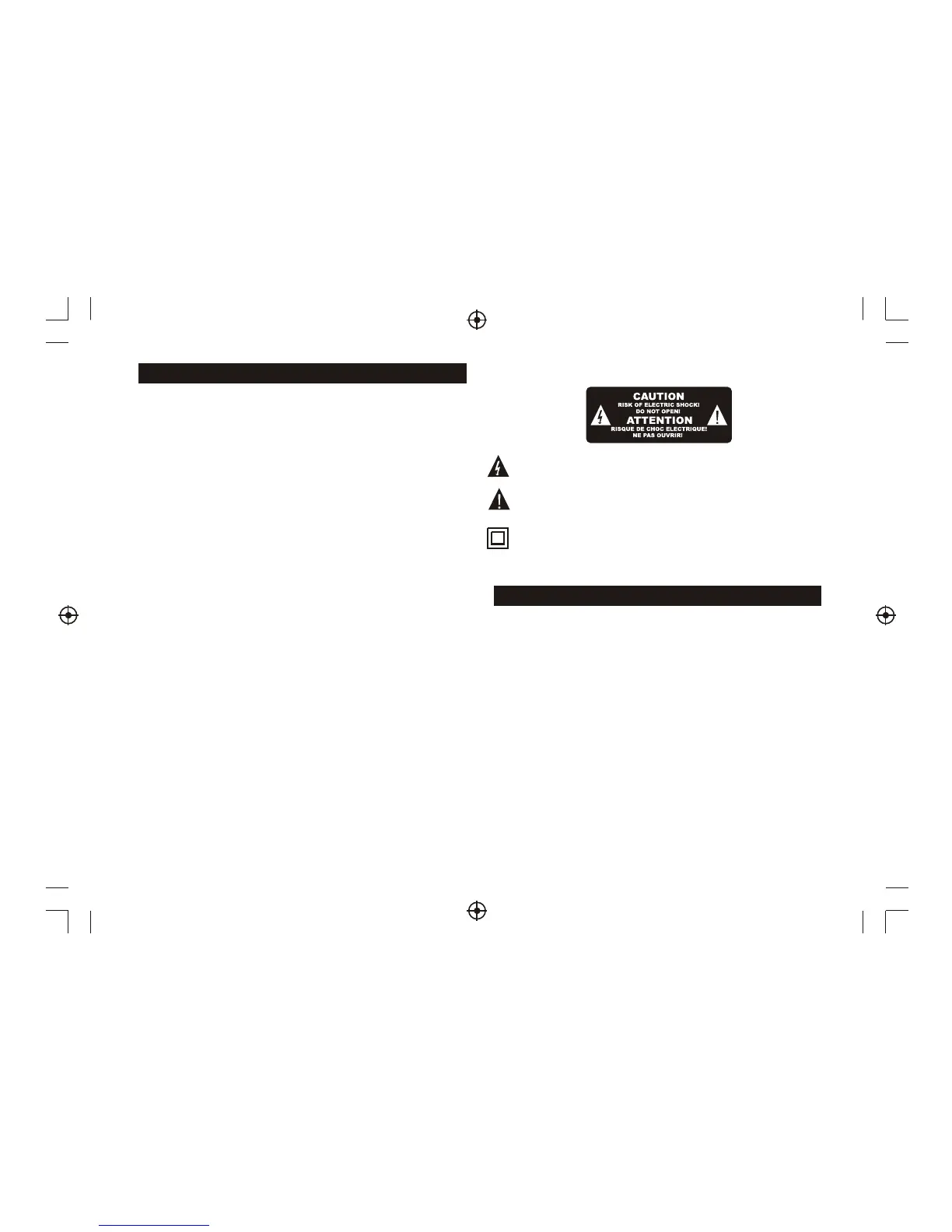
WARNING: To reduce the risk of fire or electric shock, do not
expose this apparatus to rain or moisture.
WARNING: The batteries should not be exposed to excessive heat
from sunshine or other heat sources.
T
h
e
s
ym
b
o
l
in
d
ic
a
te
s
t
h
a
t
th
e
re
a
re
i
m
p
o
rt
a
n
t
o
p
e
ra
ti
n
g
a
n
d
m
a
inte
na
n
ce i
nst
ru
ctio
n
s i
n t
h
e l
ite
ra
ture
a
cco
mp
a
nyi
ng
t
his
u
nit
.
T
h
e
s
y
m
b
o
l
i
n
d
i
c
a
t
e
s
t
h
a
t
d
a
n
g
e
r
o
u
s
v
o
l
t
a
g
e
s
c
o
n
s
t
i
t
u
t
i
n
g
a
r
i
s
k
o
f
e
l
e
c
t
r
i
c
s
h
o
c
k
a
r
e
p
r
e
s
e
n
t
w
i
t
h
i
n
t
h
i
s
u
n
i
t
.
T
h
e
s
ym
b
o
l
in
d
ic
a
te
s
t
h
a
t
th
is
p
ro
d
u
ct
i
n
co
rp
o
ra
te
s
d
o
u
b
le
insu
la
tio
n b
e
twe
e
n h
aza
rd
ou
s m
a
ins
v
olt
ag
e
an
d u
se
r a
cc
ess
ible
p
a
rt
s.
W
h
e
n
s
e
rv
ic
in
g
u
se
o
n
ly
i
d
e
n
ti
ca
l
re
p
la
ce
m
e
n
t
p
a
rt
s.
Front and Rear Panel Illustration................................................... 1
Remote Controller ........................................................................ 1
Connections................................................................................. 2
.............................................................................. 3
Troubleshooting .......................................................................... 8
Specifications.............................................................................. 8
User Interface
Quick Installation..................................................................... 3
Menu Operations......................................................................3
Normal Play............................................................................. 6
Im
p
o
rt
an
t S
af
et
y I
n
st
ru
ct
io
n
s
Table of Contents
long period of time.


 To Next Page
 Loading...



