2.2.5 Set Default
Restore STB to factory default. All settings will be restored to
factory default values and the database will be erased. .
2.3 TV/RADIO
There are two types of program: TV and Radio. The operation of the List
and Guide of TV and Radio are almost the same.
2.3.1 List
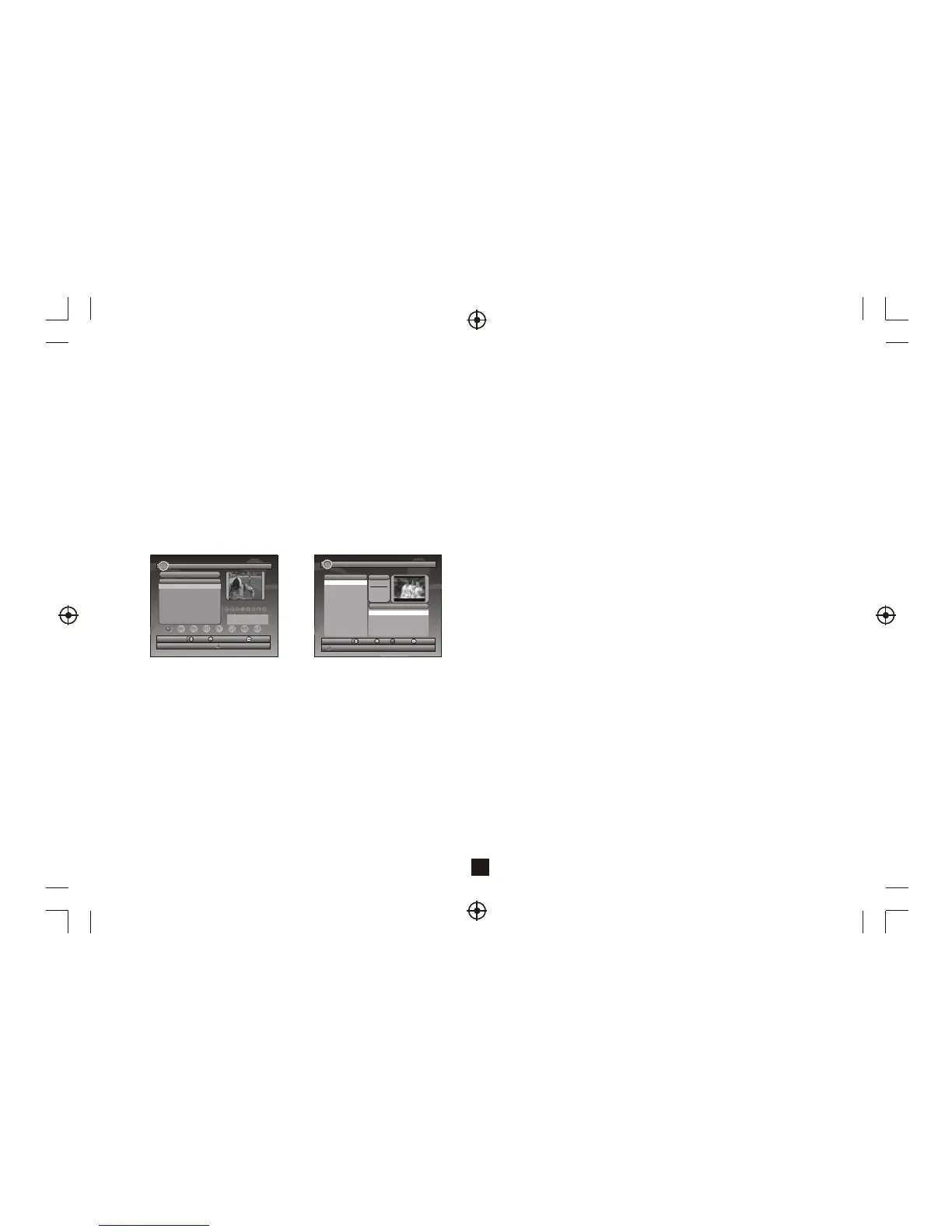
User can operate some functions in List. See Figure 5.
2.3.1.1 Favorites
User can quickly channel up/down the favorite programs by favorite filter.
There are 8 groups of favorite for user setting: News, Sport, Movie, Music,
Shopping, Travel, Boy and Girl. Press <1~8> button to set or clear the
favorite group when Favorites option selected.
2.3.1.2 Lock
Lock will ask for password before watching program when SETUP ->
Password ->Channel Lock is turned on. Please see section 2.2.3.2 for
details. Press <OK> button to set or clear lock status when Lock option
selected.
2.3.1.3 Edit
User can edit the program name, maximum length is 20 characters.
(1) Press <Left/Right> button to select Edit option and <Up/Down> button
to select the program.
Figure 5. TV List
5
2.2.4 Advance Timer
User can set timer for watching the program by date and time manually
or from the TV/Radio Guide(see section 2.3.2). When setting date and
start time is, STB will automatically switch to the requested
program. Press any key except <Vol-/Vol+/Mute> button. STB asks user
to abort it or not when watching booked program. User can delete this
event.
(2) Press <OK> button to display program info and press it again to edit
program name.
(3) Press <Up/Down/Left/Right/0~9/RED/GREEN> button to select the
character.
(4) Press <OK> button to finish the editing and return to previous program
info page.
(5) Press <RED> button to save the editing and return to List or press
<Exit> button to return to List without saving.
Figure 6. Guide - Event
2.3.1.4 Move
Move will allow you to move the position of the channels in the list.
Note: This option will not appear in this list when SETUP->Installation
->LCN is set to ON.
2.3.1.5 Sort
Sort will allow youto sort the channels by A<->Z or Pay<->Free.
Note: This option will not appears in this list when SETUP->Installation
->LCN is set to ON.
2.3.1.6 Skip
Skip will skip the program when changing program by CH+/-. Press
<OK> button to set or clear skip status when Skip option selected.
2.3.1.7 Delete
Delete will delete the program permanently from database. User must
rescan to recover it.
Press <OK/GREEN> button to set delete one or delete all when Delete
option selected.
2.3.1.8 Search
User can search the program name by partial keyword.
(1) Press <Left/Right> button to select Search option.
(2) Press <OK> button to enter search page.
(3) Press <Up/Down/Left/Right/OK/0~9/RED/GREEN> button to input
keyword.
(4) Press <OK> button to Search and return List. The matched program
will be focused.
(5) Press <GREEN/YELLOW> button to the next or previous matched
program.
2.3.2 Guide
Guide is also named EPG (Electronic Program Guide).
See Figure 6.
(1) Press <Up/Down> button to select program or EPG event.
(2) Press <Left/Right> button to change event or date.
(3) Press <OK> button to exit all the menus or show the detail
information of selected event.
(4) Press <Exit> button to exit to previous menu.
All
No. P
rogra
m Na
me
S
tatus
0001
CT
SPO
RT
0002
Aplik
ace M
HP
0003
CT
1
0004
CT
2
0005
CT
24
0006
NOV
A
CH+/
-
Too
l
Exit
Save
1-8:
Favo
rite G
roup
Edit
Favo
rites
CH23
/4901
66 K
Hz
PID:V
1025
, A
1041
TV L
ist
01/01
/2008
02:1
9
TV G
uide
17/07
/2007
02:1
9
EPG
+/-
Date
Exit
Book
Detail
0800
TVE
1
0800 TVE
2
0802
24H
TVE
0803
CLA
N TV
E
Date
Wed
.
2007
10/1
7
Tod
ay 1
8 19
20
21
22 2
3
11:3
0 Po
r La
Man
ana
2007
13:1
5 EI
Neg
ociad
or
14:00 Inf
ormativo
Madrid 2
007
14:3
0 Co
razo
n De
Oton
o 20
07
2
15:00 Telediario 1 Edic ion 2007
No.P
rogra
m N
ame
OK



 To Next Page
 Loading...


