19
Dialogic
®
DSI SS7MD Programmer’s Manual Issue 3
3.2 Software Installation for Linux
The Development Package for Linux is distributed as a download from the Dialogic web site. See Section 1.1,
“Related Information” on page 7.
The distribution is in the form of a single compressed file called dpklnx6.Z.
Installation of the software is described in more detail in the following topics:
• Installing the Development Package for Linux
• Installing the DSI SS7MD Source Device Driver
• Support for a Large Number of DSI Messages
• Removing the Development Package for Linux
• RPM Installation
3.2.1 Installing the Development Package for Linux
Install the Development Package for Linux on a development system as follows:
1. Login and switch to a user account with root privileges.
2. Create a new directory, referred to as the “install directory”.
The recommended location is /opt/dpklnx.
3. Copy the dpklnx6.Z file to the development system that is running Linux.
Note: Be sure to copy the file with the uppercase Z extension that identifies the file as a compressed
file.
4. Extract the files using the command:
tar -zxvf dpklnx6.Z
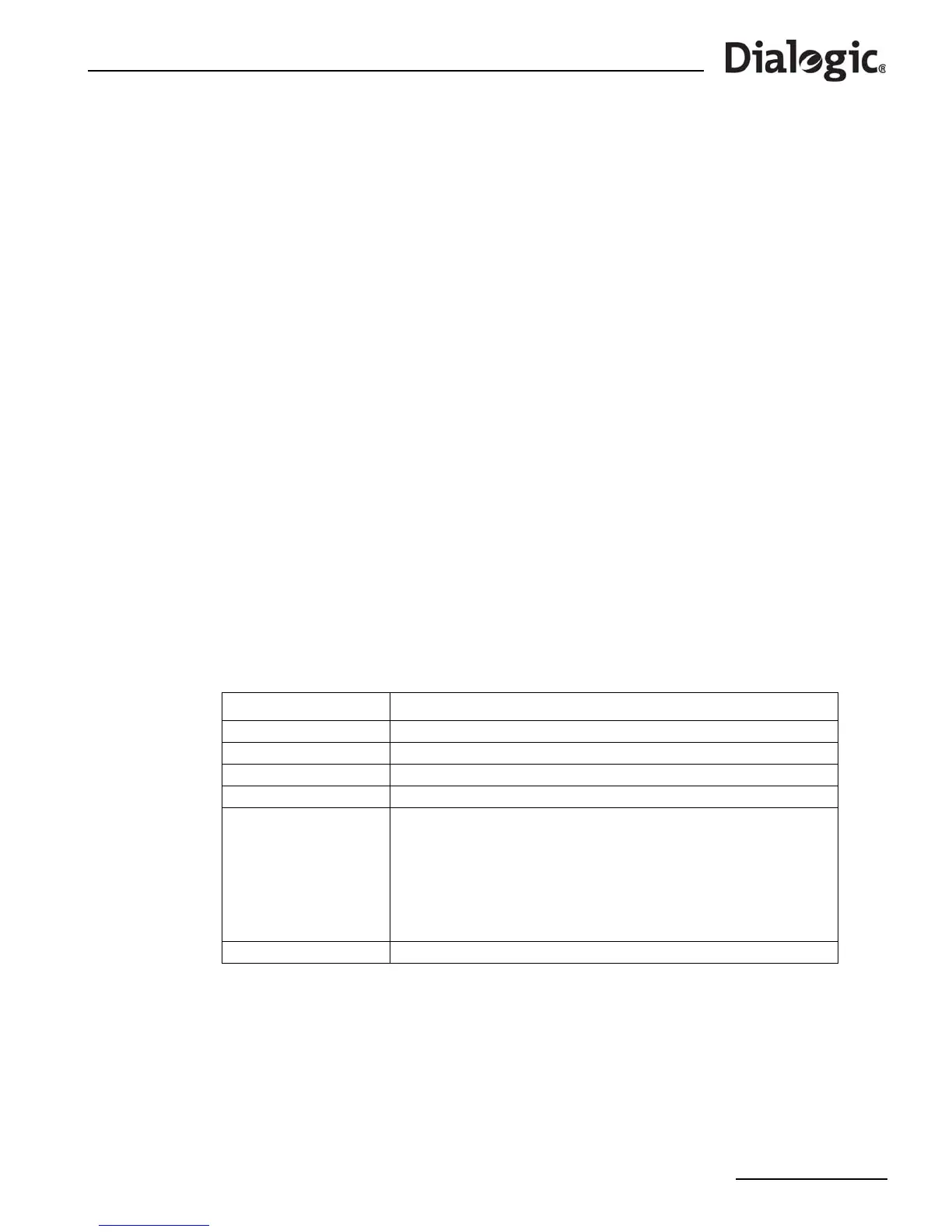
Tab l e 2 shows the files that are extracted into the current working directory. A number of additional files
relating to other products in the range are installed at the same time.
The /etc/ld.so.conf file should be edited to include the install directory.
The ldconfig utility must be run to update the run linker's configuration:
ldconfig -v
Table 2. Files Installed on a System Running Linux
File Name or Directory Purpose
libgctlib.so.<x>.<y>.<z> Library to be linked with user's application
INC Sub-directory containing header files for use with user’s application
system.txt Example system configuration file
config.txt Example protocol configuration file
gctload
ssdm
tick_lnx
tim_lnx
s7_mgt
s7_log
s7_play
mtpsl
upe
tempmon
Executables for use as described elsewhere in this manual
SS7MD_DRIVER SS7MD device driver source code together with build and install scripts


 To Next Page