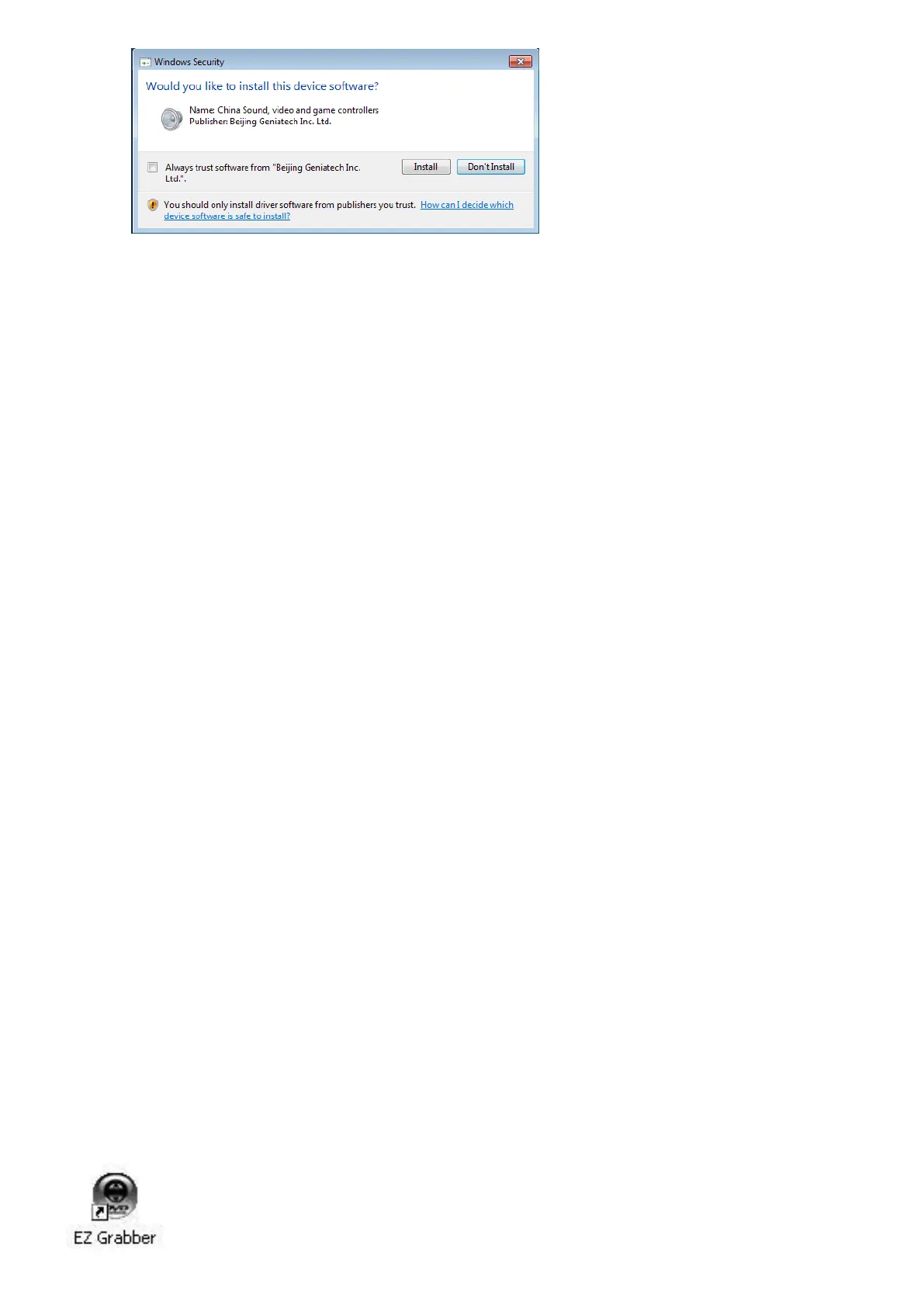
7. Click “Finish” to completely install the Driver Software
8. Click “Software Install” or run “EZ Grabber\Setup.exe” to install application, Choose your
desired language.
9. Please make sure DirextX9.0 installed before application installation. If not, system will
prompt install it automatically
10. Click “next”
11. Choose install the components, and click “Next”.
12. Prepare to install EZ Grabber click “next”
13. Auto promote install “Windows Media Format9”, and click “Yes”. (Only Windows XP)
14. Click “Yes” to continue “Windows Media Format9” installation. (Only Windows XP)
15. System will prompt that system will restart, please click “Finish”.
ShowBiz Capture and Editing Software
1. Click “ShowBiz” or run “ShowBiz\Setup.exe” to install edit software,
2. Choose your desired language.
3. Click “next” to continue installation
4. Please enter your license key.
Note: License key is on the back of the software CD holder (bag)
5. Click “Next” to go further to finish.
6. Click “Finish” to completely install the ShowBiz edit Software
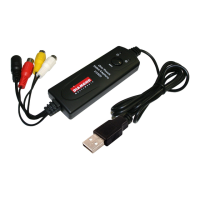
7. After the software and driver installation, there will be two software icons on the desktop as
shown below:


 To Next Page