3. Press to continue
4. After entering the App, please follow the instructions in the section of
“Entertainment Apps with Training”—“How can we start training directly when
using entertainment Apps?.” Then, you can keep training.
Before using Program and Manual
Take Manual Mode for example.
1. Follow the instructions in the section of “How to Start Your
Training?”—“Manual” —“How to start Manual?”
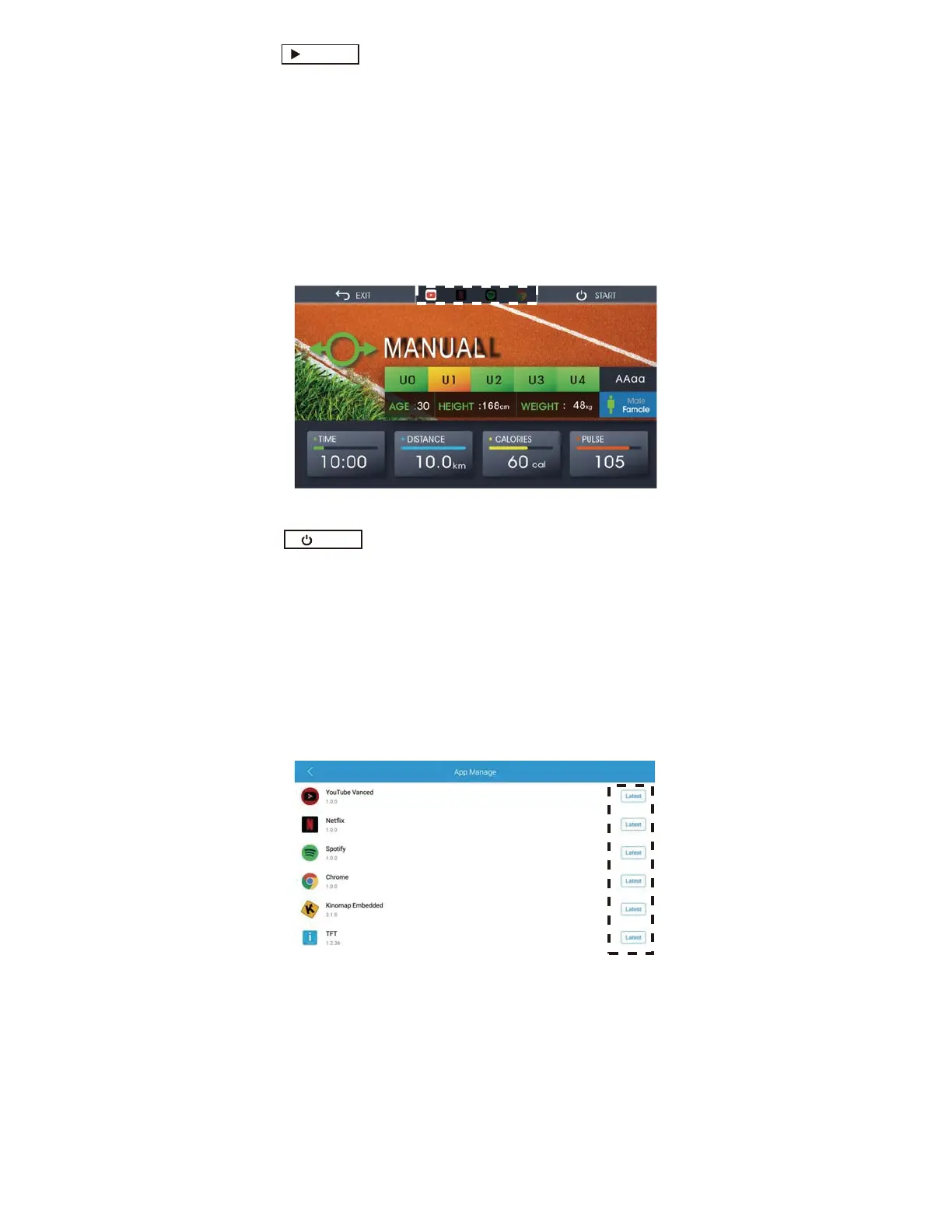
2. Choose the Apps you want to continue with.
Fig.31 Youtube Chosen before starting training with Manual Mode
y How to Update the Apps and the System in the Console?
Fig. 33 Update or Latest for App Manage list
CONTINUE
START
24
From the Home Screen, enter the Setting Mode and press the App Manage button. Check if
there is an Update button on the App manage list.
If so, press it to update.
3. Press to start the training with the selected App. (Fig.15)
4. Press the icon on the left border of the screen. (Fig. 30)
5. Press the Quick Start Button, then press the icon on the right border of
the screen if the Quick Start works.(Fig.31)



 To Next Page