500 Tm Owner’s Manual
19
Console Layout (continued)
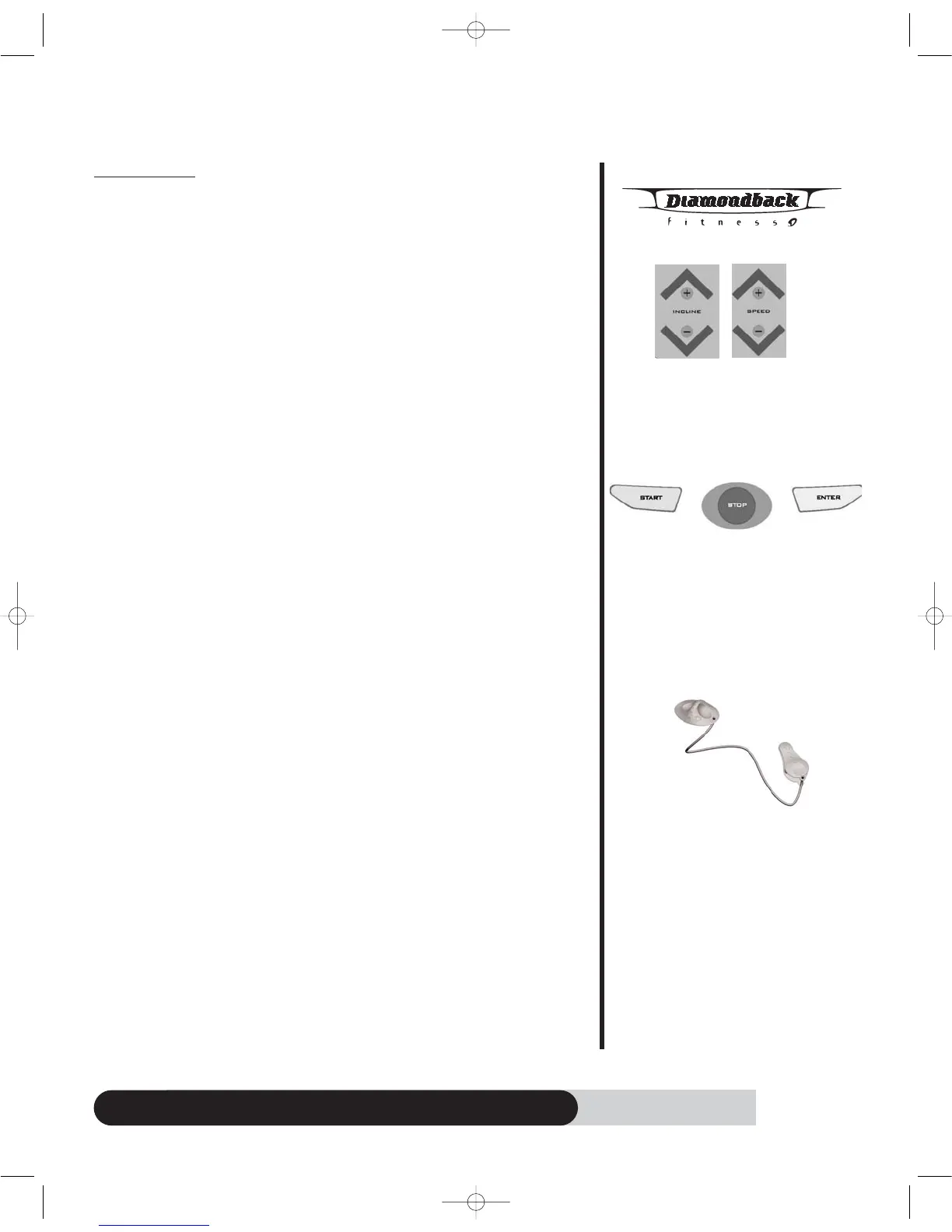
Function keys:
a. Speed Up/Down keys:
o During program setup, press Speed “UP/DOWN” key to adjust the
following – age, weight, time & HR setting.
o After program started, press Speed “UP/DOWN” key to adjust the
speed.
o Speed increment = 0.1mph.
b. Incline Up/Down keys:
o During program setup, press incline “UP/DOWN” key to adjust the
following – age, weight, time & HR setting.
o After program started, press Incline “UP/DOWN” key to adjust the
incline.
o Incline increment = 0.5%.
c. Enter key:
o After program selecting, press “ENTER” to accept the program and
enter its setup mode.
o After age, weight, time….. adjustment, press “ENTER” key to accept
your entry.
d. Start key:
o Press “START” to start a program during program setup.
o Press “START” key to skip Warm up and enter program executing.
o Press “START” to re-start a program during Cool Down, workout
summary mode.
o Press “START” to resume a program from pause mode.
e. Stop key:
o Press and hold “STOP” button for 2 seconds to reset the console.
o Press “STOP” to pause program run mode.
o Press “STOP” to enter workout summary during Cool Down.
f. Safety key
o Place the safety clip onto your clothes properly before using
treadmill.
o Treadmill will not start unless the safety key is properly
engaged.
o Pull the safety key off the treadmill will result power shut off and
stop the treadmill immediately.
o Pull the safety key off the treadmill if you feel ill after using
treadmill or any other emergency occurs.
Incline & Speed
Up/Down keys
Start/Stop/Enter
keys
Safety key
500tmOM 8/24/06 11:19 AM Page 21



 To Next Page