7
Selecting Functions and Making Adjustments
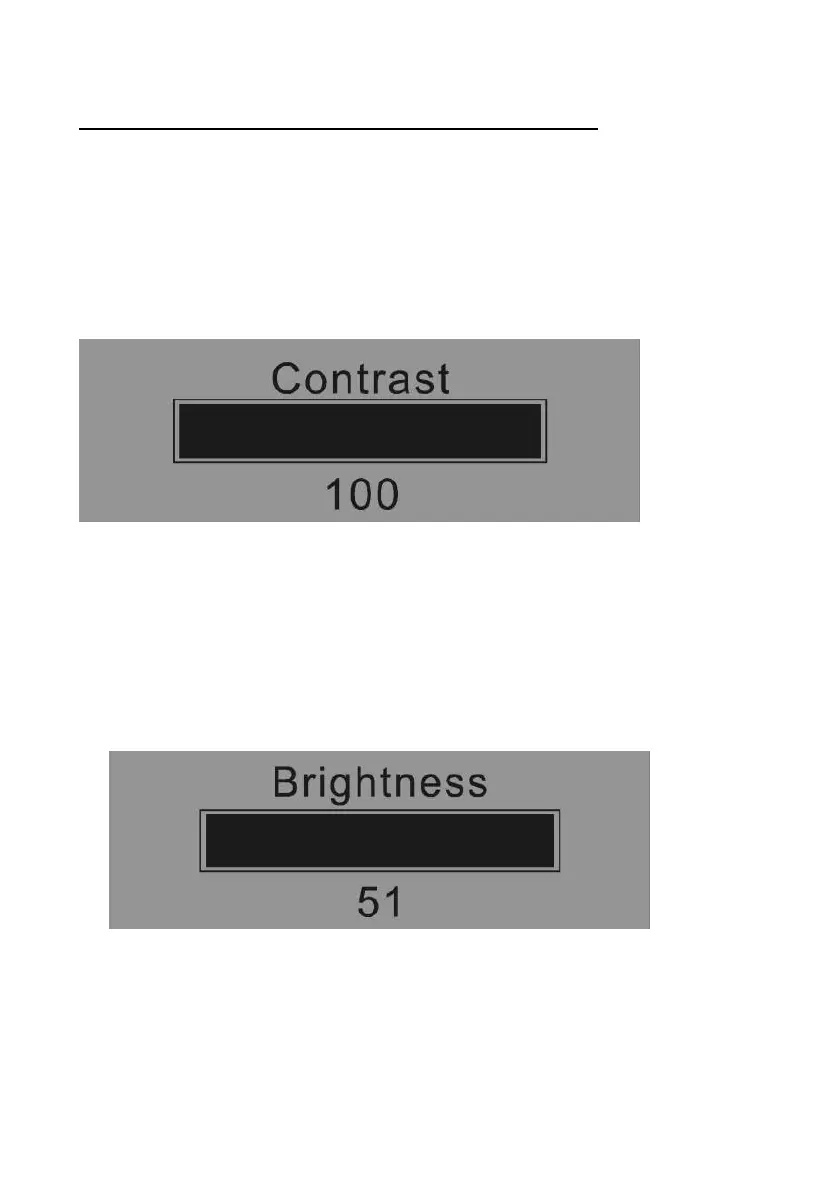
Contrast Hotkey
1. Press
‘>‘ to open the contrast adjustment display.
2. Press < or > to adjust the contrast level.
3. Press the MENU button to save your changes.
Brightness Hotkey
1. Press
‘<‘ to open the brightness adjustment display.
2. Press < or > to adjust the brightness level.
3. Press the MENU button to save your changes.



 To Next Page