9
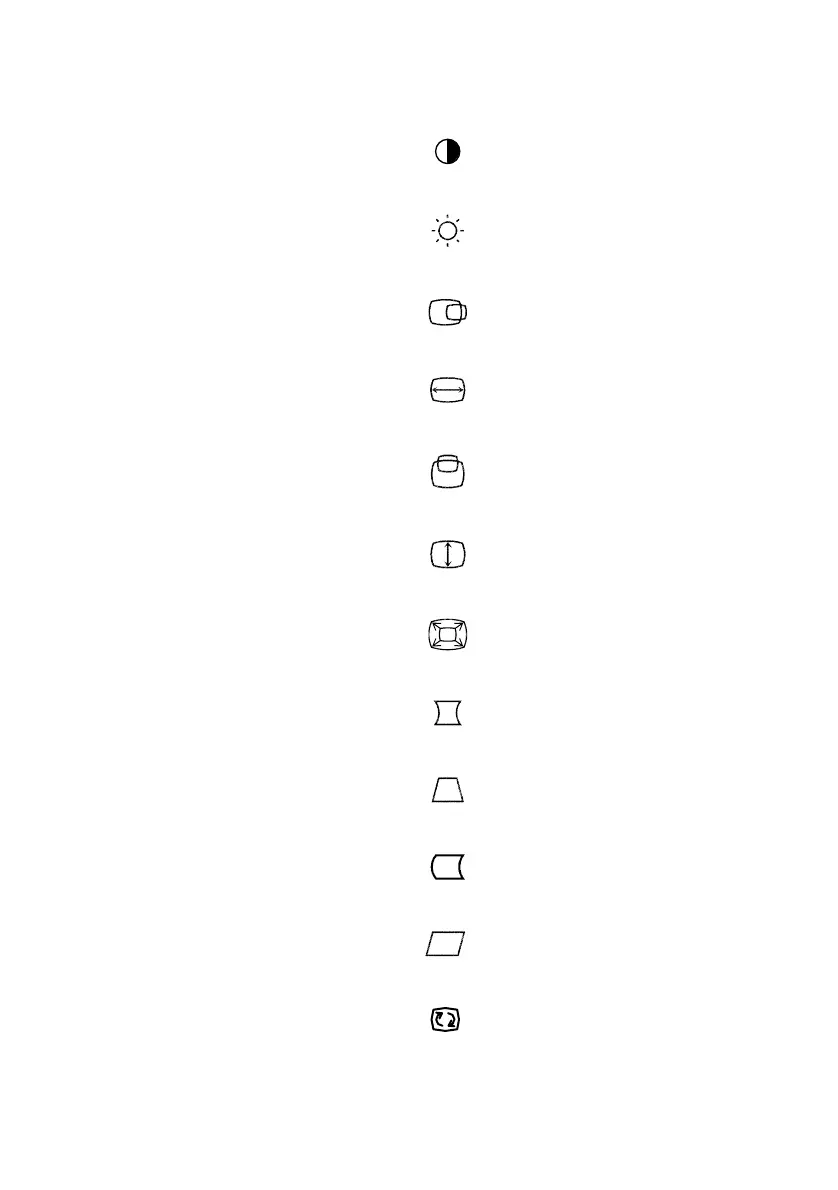
The description for functional control icons
:
1. CONTRAST
Adjust the picture contrast.
2. BRIGHTNESS
:
Adjust the picture brightness.
:
3. H-CENTER
Adjust the horizontal position of the picture.
:
4. H-SIZE
Adjust the picture’s horizontal size.
5. V-CENTER
:
Adjust the vertical position of the picture.
6. V-SIZE
:
Adjust the picture’s vertical size.
7. ZOOM
:
Adjust the picture’s horizontal and vertical size simultaneously.
:
8. PINCUSHION
Adjust the pincushion and barrel.
9. TRAPEZOID
:
Adjust the picture’s trapezoid distortion.
10. PIN-BALANCE
:
Adjust to compensate the pincushion unbalance.
11. PARALLELOGRAM
:
Adjust the picture to be a rectangle.
:
12. ROTATION
Adjust the picture tilt to horizontal position.



 To Next Page