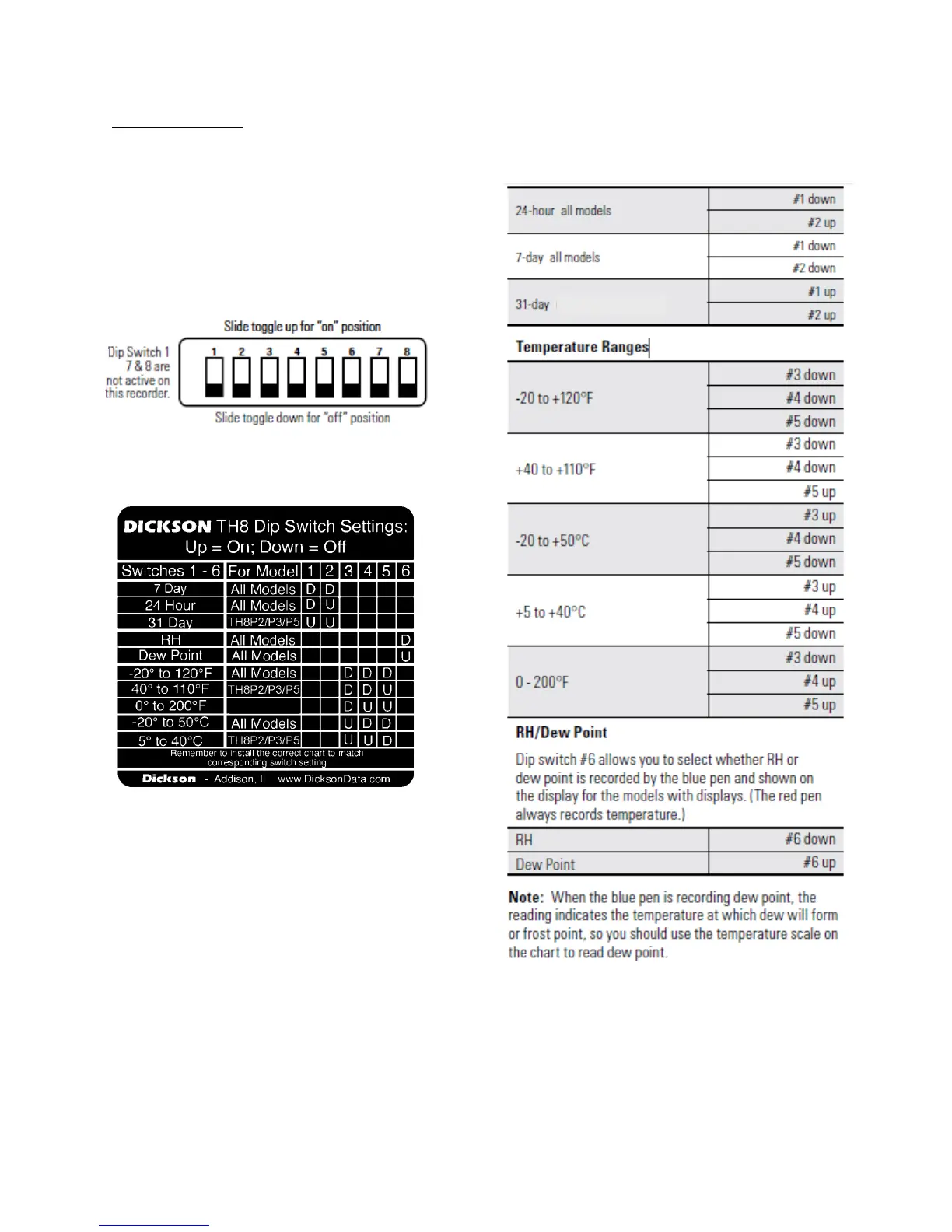
Dickson TH8P Manual V14 052418
DIP SWITCH SETUP
DIP SWITCH SETUPDIP SWITCH SETUP
DIP SWITCH SETUP
To setup the TH8 recorder for your specific
application, you might need to change some of
the Dip Switches. The Dip Switches are located
on the back of the unit. (Figure 3)
Use a Pen or small screw driver to flip the
switches. Remember to install the correct chart
to match the corresponding Dip Switch setting.
Re
ReRe
Recording Time
cording Timecording Time
cording Time
All the TH8recorders feature user selectable
recording times.
Dip Switches for Ranges
Dip Switches for RangesDip Switches for Ranges
Dip Switches for Ranges:
::
:
Note:
Note:Note:
Note:
TH8P0 – On Dip Switch label:
-20 to 120
o
F = +32 to 120
o
F
-20 to 50
o
C = 0 to 50
o
C



 To Next Page