Rev. 1.0 – 13/03/2018
2/3
QUALITY CONTROL
Control materials are loaded and processed in the same manner as patient samples
Quality Control materials supplied by DIESSE Diagnostica Senese and Streck, Inc. are
automatically and conveniently identified by the instrument
QC REGISTRATION PROCEDURE FOR MATERIAL NOT SUPPLIED BY DIESSE OR
STRECK
- Apply dedicated barcode labels
- Select the item QC from the Settings menu
-
- Insert the Normal control in position 1 (Level 1)
-
- press the DETECT icon. The instrument detects the code and displays it in the
barcode window
- Manually insert the relative data for name, lot, expiry, and acceptability limits
- Remove the Normal QC
- Insert the Abnormal QC in position 1 (Level 2)
- Repeat the same procedure as at point
Following this procedure, the instrument will be able to identify the controls automatically
from the barcode. Display it on the screen:
- Normal control: white cap
- Abnormal control: black cap
SYMBOLS AND ICONS
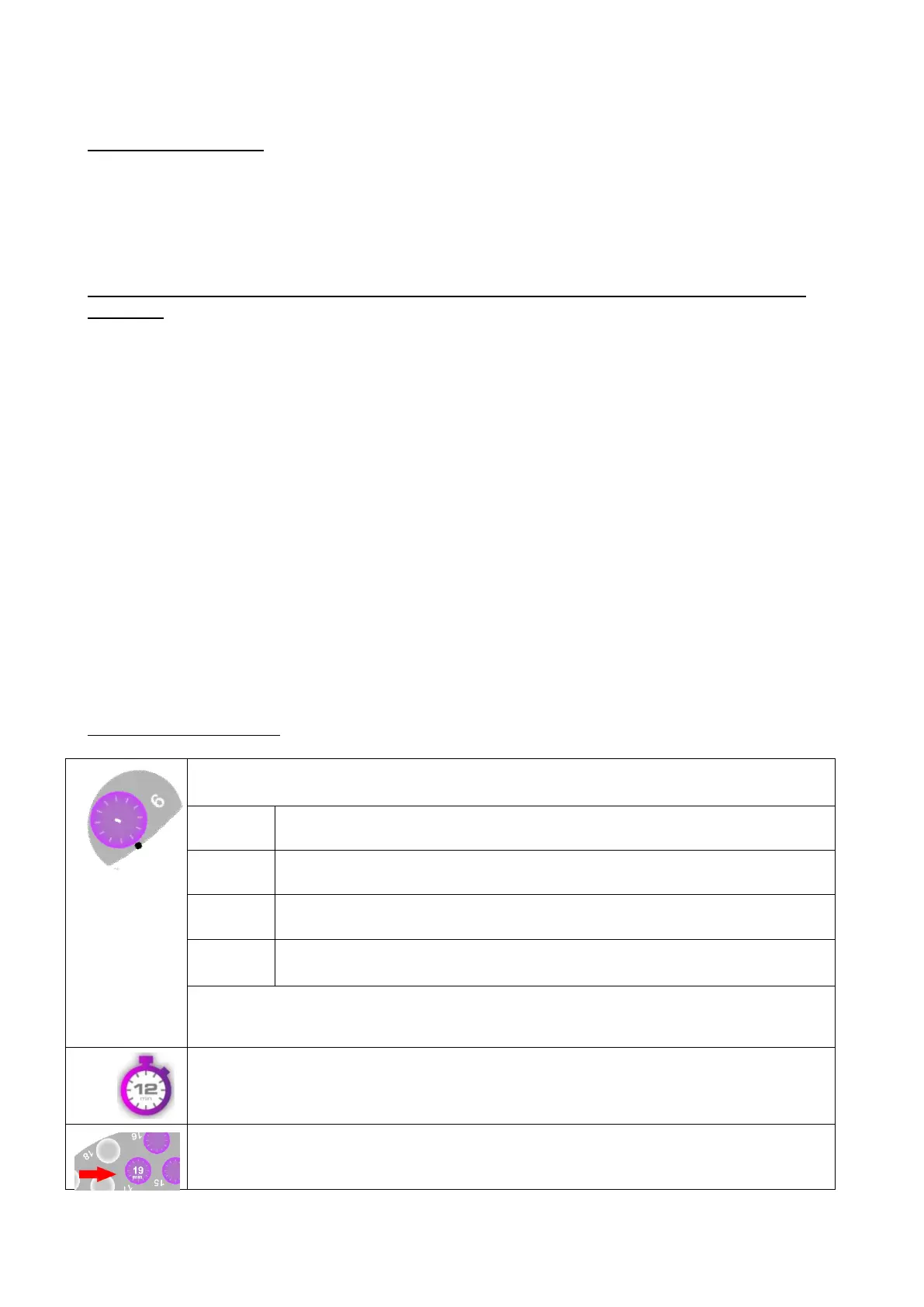
If the barcode reading is not successful, a black dot is shown next to the
sample. a window will display the unread positions.
- Open the lid, reposition the tube correctly in the carousel
press RETRY to have the barcode read again
- Press the text field and Insert the code manually (keyboard
will appear on the screen) - Press OK button
If none of these options are selected within 30 seconds, the SKIP ALL choice
is enabled, and the cycle progresses automatically
Residual sedimentation time (in minutes) for the sample added in mode
random access, at the location where you entered it


 To Next Page
 Loading...




