EasyManua.ls Logo

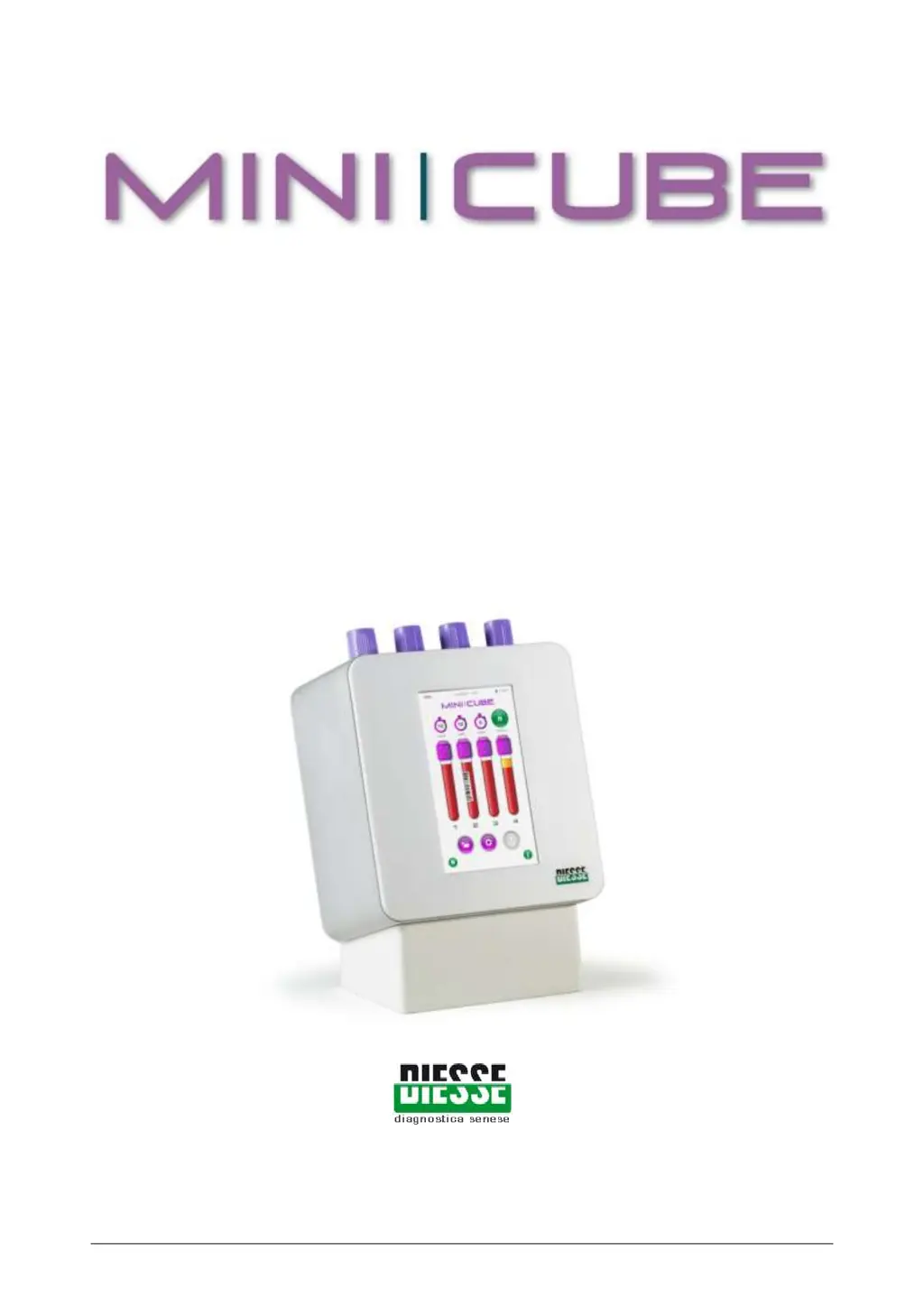
Diesse MINI-CUBE - User Manual

Diesse MINI-CUBE
59 pages
Print Icon
To Next Page IconTo Next Page
Loading...
Rev 1.3 06/2018 1/59
USER MANUAL
Software Release No. 1.xx
Rev. 1.3 issued on June 2018
Automatic instrument for ESR determination
with modified Westergren method
Only for in vitro diagnostic use

Other manuals for Diesse MINI-CUBE

Questions and Answers

Summary

Introduction

Presentation of the instrument

Overview of the MINI-CUBE instrument, its function, and capabilities for ESR measurement.

Clinical meaning of ESR

Explains the biological basis of ESR and its interpretation in medical diagnostics.

Normal ESR values (Westergren citrated)

Provides reference ranges for ESR measurements using the Westergren method.

Materials required for use of the instrument

Lists the specific materials and consumables necessary for operating the MINI-CUBE.

Maintenance procedure

Outlines the steps for routine maintenance and care of the instrument.

External cleaning of the instrument

Details the procedure for safely cleaning the exterior surfaces of the MINI-CUBE.

Technical Data

Technical description

Describes the components and functionality of the MINI-CUBE hardware.

External connections of the instrument

Details the available ports and connections for peripherals and data transfer.

Technical features

Lists the specifications, dimensions, power, and standards compliance of the instrument.

Installation

Transport and handling

Instructions on how to safely transport and handle the MINI-CUBE unit.

Packaging characteristics

Details the materials used for packing and protecting the instrument.

Materials provided

Lists all items included in the MINI-CUBE package upon purchase.

Unpacking the instrument

Step-by-step guide for safely removing the instrument from its packaging.

Setup

Guidance on positioning and preparing the instrument for operation.

Installation procedure

Step-by-step instructions for connecting and powering up the MINI-CUBE.

Limitations and Warnings

Important safety instructions and warnings related to instrument use and hazards.

Composition of the instrument

Details the material composition of the MINI-CUBE instrument.

Disposal

Information regarding the proper disposal of the electrical equipment.

Use

Instructions for the operator

General guidelines for operating the MINI-CUBE instrument safely and effectively.

Compatible test tubes

Specifies the types of test tubes suitable for use with the MINI-CUBE.

Sample requirements

Critical parameters for blood samples to ensure accurate ESR results.

Preparation of the sample

Instructions on how to properly prepare blood samples before analysis.

Test tube labelling

Guidelines for correctly labeling and inserting test tubes into the instrument.

Description of the MINI-CUBE menu

Overview of the instrument's touch screen interface and main functions.

Performing an analysis

Detailed steps on how to initiate and conduct an ESR analysis.

Inserting the test tubes

Procedure for loading patient samples into the designated positions.

Starting the analysis cycle

How to begin the measurement process after sample insertion.

Archive

Information on accessing, viewing, and managing stored patient and results data.

Settings

Guide to customizing instrument parameters and operational settings.

Quality Control

Performing QC analysis

Steps for running quality control samples to validate instrument performance.

Troubleshooting

Error Messages

List of error messages and their corresponding causes and remedies.

Measuring Abnormal Samples

Guidance on interpreting ESR results from samples with unusual characteristics.

Calculating the DAS 28

Clinical significance of Rheumatoid Arthritis

Explains Rheumatoid Arthritis and its relation to ESR measurements.

The importance of early diagnosis

Discusses the significance of timely diagnosis and treatment for RA.

DAS 28

Instructions on how to use the MINI-CUBE to calculate the DAS28 score.

Connection to a Host Computer

Direct USB Connection

Details how to connect the MINI-CUBE to a PC using a USB cable and necessary drivers.

Serial RS232 Connection

Explains how to connect via a serial port using a USB-to-Serial adapter.

Data Communication Protocol

Describes the HEX-ASCII representation and command structures for data exchange.

Bibliography

Diesse MINI-CUBE Specifications

General IconGeneral
BrandDiesse
ModelMINI-CUBE
CategoryLaboratory Equipment
LanguageEnglish

Related product manuals