

 To Next Page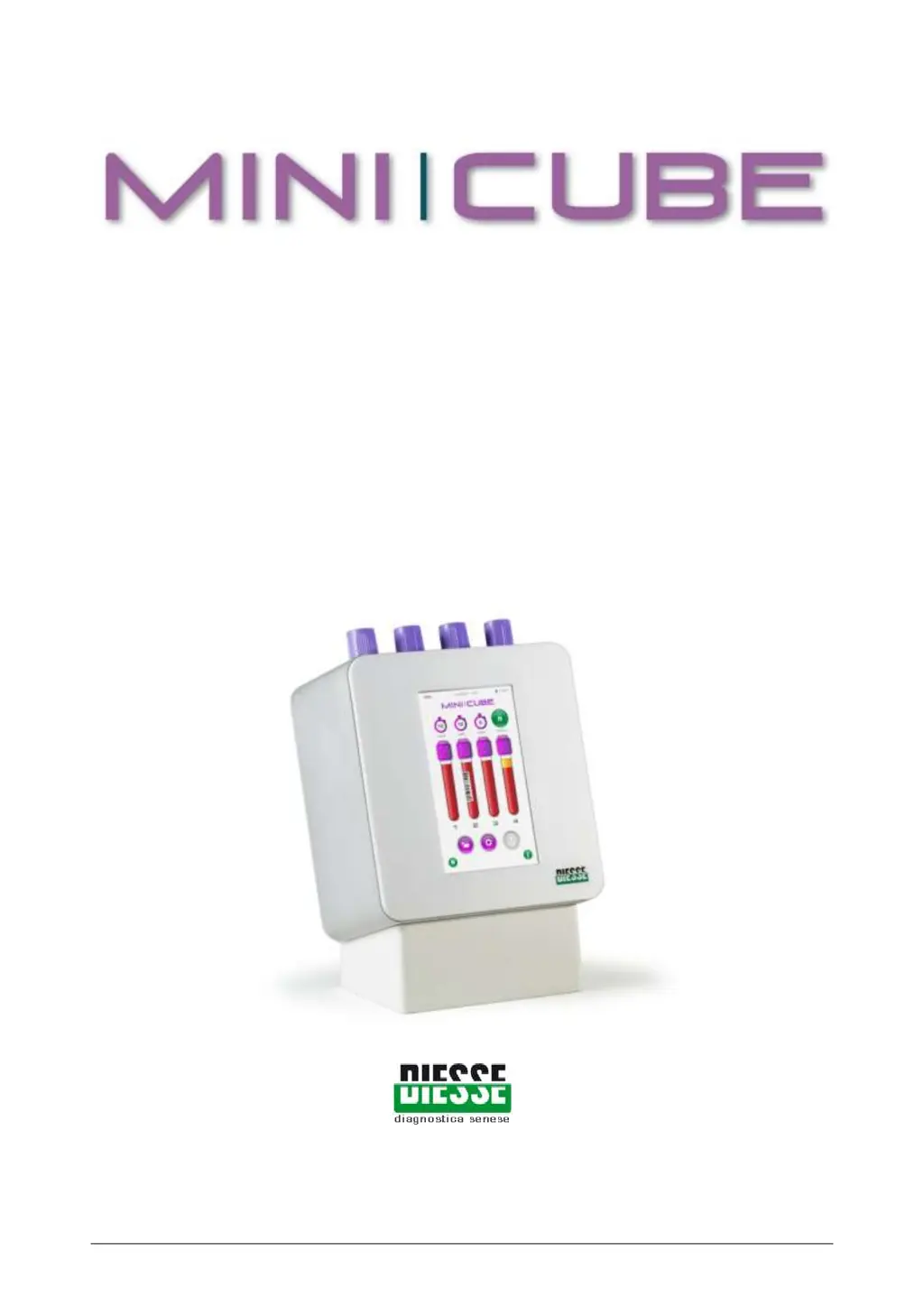


J
Justin PatelSep 12, 2025
What to do if Diesse Laboratory Equipment says USB pendrive not found?
- MMary MirandaSep 12, 2025
If your Diesse Laboratory Equipment displays 'USB pendrive not found', remove the USB drive and reinsert it, then try again.

What to do if Diesse Laboratory Equipment says USB pendrive not found?
If your Diesse Laboratory Equipment displays 'USB pendrive not found', remove the USB drive and reinsert it, then try again.
Why does Diesse MINI-CUBE Laboratory Equipment say to remove all test tubes?
The Diesse Laboratory Equipment displays 'Remove all test tubes' because the system is attempting to initialize but test tubes were detected. Remove the test tubes and start the cycle again.
Overview of the MINI-CUBE instrument, its function, and capabilities for ESR measurement.
Explains the biological basis of ESR and its interpretation in medical diagnostics.
Provides reference ranges for ESR measurements using the Westergren method.
Lists the specific materials and consumables necessary for operating the MINI-CUBE.
Outlines the steps for routine maintenance and care of the instrument.
Details the procedure for safely cleaning the exterior surfaces of the MINI-CUBE.
Describes the components and functionality of the MINI-CUBE hardware.
Details the available ports and connections for peripherals and data transfer.
Lists the specifications, dimensions, power, and standards compliance of the instrument.
Instructions on how to safely transport and handle the MINI-CUBE unit.
Details the materials used for packing and protecting the instrument.
Lists all items included in the MINI-CUBE package upon purchase.
Step-by-step guide for safely removing the instrument from its packaging.
Guidance on positioning and preparing the instrument for operation.
Step-by-step instructions for connecting and powering up the MINI-CUBE.
Important safety instructions and warnings related to instrument use and hazards.
Details the material composition of the MINI-CUBE instrument.
Information regarding the proper disposal of the electrical equipment.
General guidelines for operating the MINI-CUBE instrument safely and effectively.
Specifies the types of test tubes suitable for use with the MINI-CUBE.
Critical parameters for blood samples to ensure accurate ESR results.
Instructions on how to properly prepare blood samples before analysis.
Guidelines for correctly labeling and inserting test tubes into the instrument.
Overview of the instrument's touch screen interface and main functions.
Detailed steps on how to initiate and conduct an ESR analysis.
Procedure for loading patient samples into the designated positions.
How to begin the measurement process after sample insertion.
Information on accessing, viewing, and managing stored patient and results data.
Guide to customizing instrument parameters and operational settings.
Steps for running quality control samples to validate instrument performance.
List of error messages and their corresponding causes and remedies.
Guidance on interpreting ESR results from samples with unusual characteristics.
Explains Rheumatoid Arthritis and its relation to ESR measurements.
Discusses the significance of timely diagnosis and treatment for RA.
Instructions on how to use the MINI-CUBE to calculate the DAS28 score.
Details how to connect the MINI-CUBE to a PC using a USB cable and necessary drivers.
Explains how to connect via a serial port using a USB-to-Serial adapter.
Describes the HEX-ASCII representation and command structures for data exchange.
 General
| Brand | Diesse |
|---|---|
| Model | MINI-CUBE |
| Category | Laboratory Equipment |
| Language | English |


