M I N I - C U B E – U S E R M A N U A L
25/59 Rev 1.3 06/2018
PERFORMING AN ANALYSIS
Click START; the instrument initializes with a system check and the LEDs are
powered on.
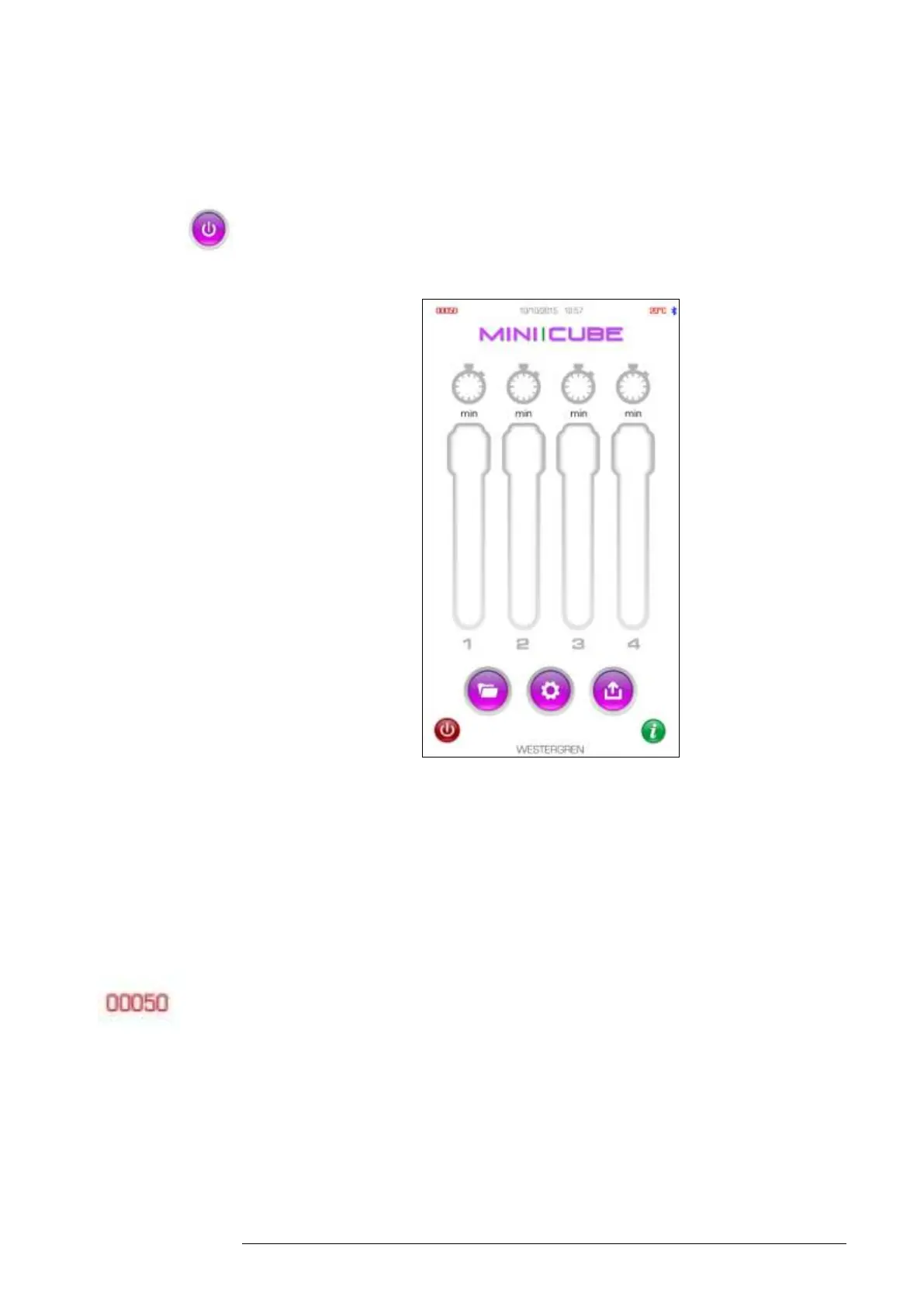
Fig. 4.2
The instrument is ready to run a sample once the “INITIALIZATION” prompt
disappears.
The counter in the top left-hand corner of the screen shows the number of
tests remaining in the MINI-CUBE. For each result produced, the instrument
decreases the number of tests available by one. The counter font colour will
change depending on the number of tests remaining; green font indicates that
more than 50 tests are available, red font indicates less than 50 tests are
available. When the test number is zero, new analyses cannot be performed.
Load a new TEST DEVICE NEXT (also called Transponder) to perform
further testing.



 To Next Page