M I N I - C U B E – U S E R M A N U A L
Rev 1.3 06/2018 24/59
Description of the MINI-CUBE menu
Slide the power switch on the back of the instrument to turn on the MINI-CUBE.
HOME
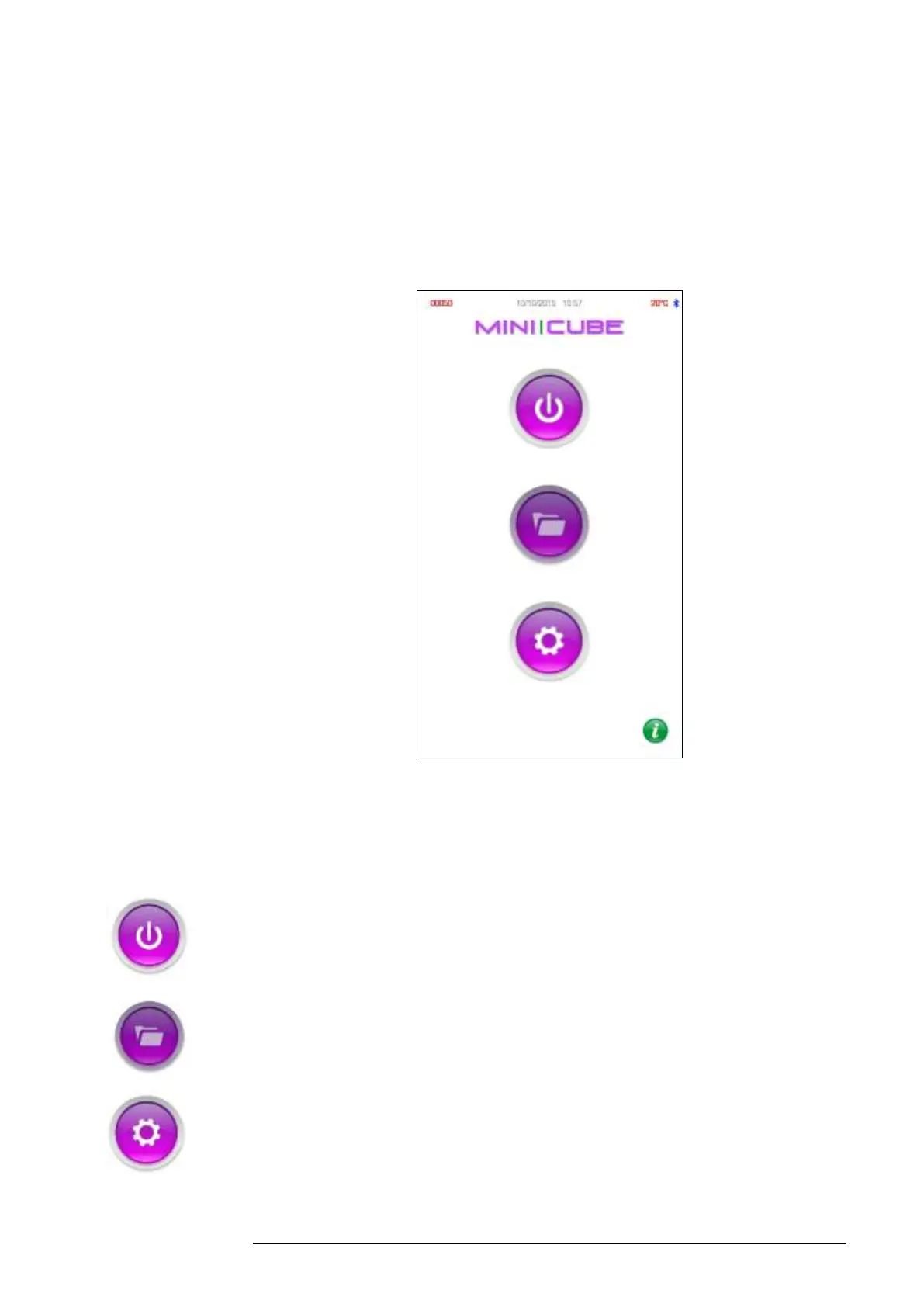
Fig. 4.1
It is recommended to use a stylus on the touch screen display. Once
powered on, the Home page (Fig. 4.1) is displayed to access the following
functions:
START: Tap this icon to go to the Analysis screen and run a sample
ARCHIVE: Tap this icon to view the data archive.
SETTING: Tap this icon to view/change instrument settings.



 To Next Page