M I N I - C U B E – U S E R M A N U A L
Rev 1.3 06/2018 44/59
DAS 28
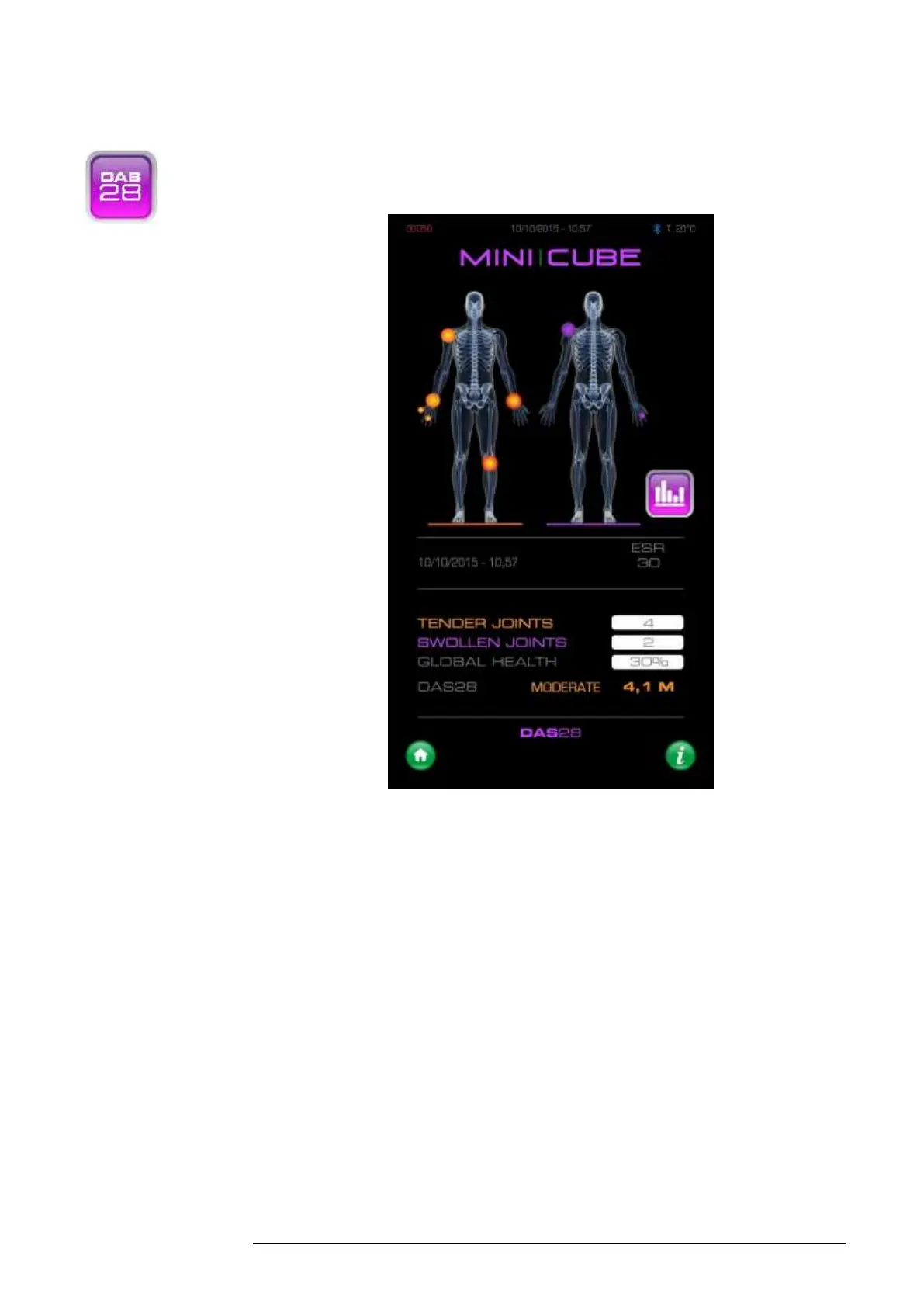
Fig. 7.0
The operator can access the DAS28 function, for each patient by going to the
Results archive and hold down the string containing the result (Patient Data
menu). The home page shows the date and time of the ESR analysis and the
ESR result for the patient.
To indicate the number of painful joints, enter the number directly in the box,
or touch the body image outline on the left side of the screen (underlined
orange).



 To Next Page