M I N I - C U B E – U S E R M A N U A L
27/59 Rev 1.3 06/2018
the test tube in a position, the window closes and the screen displays the
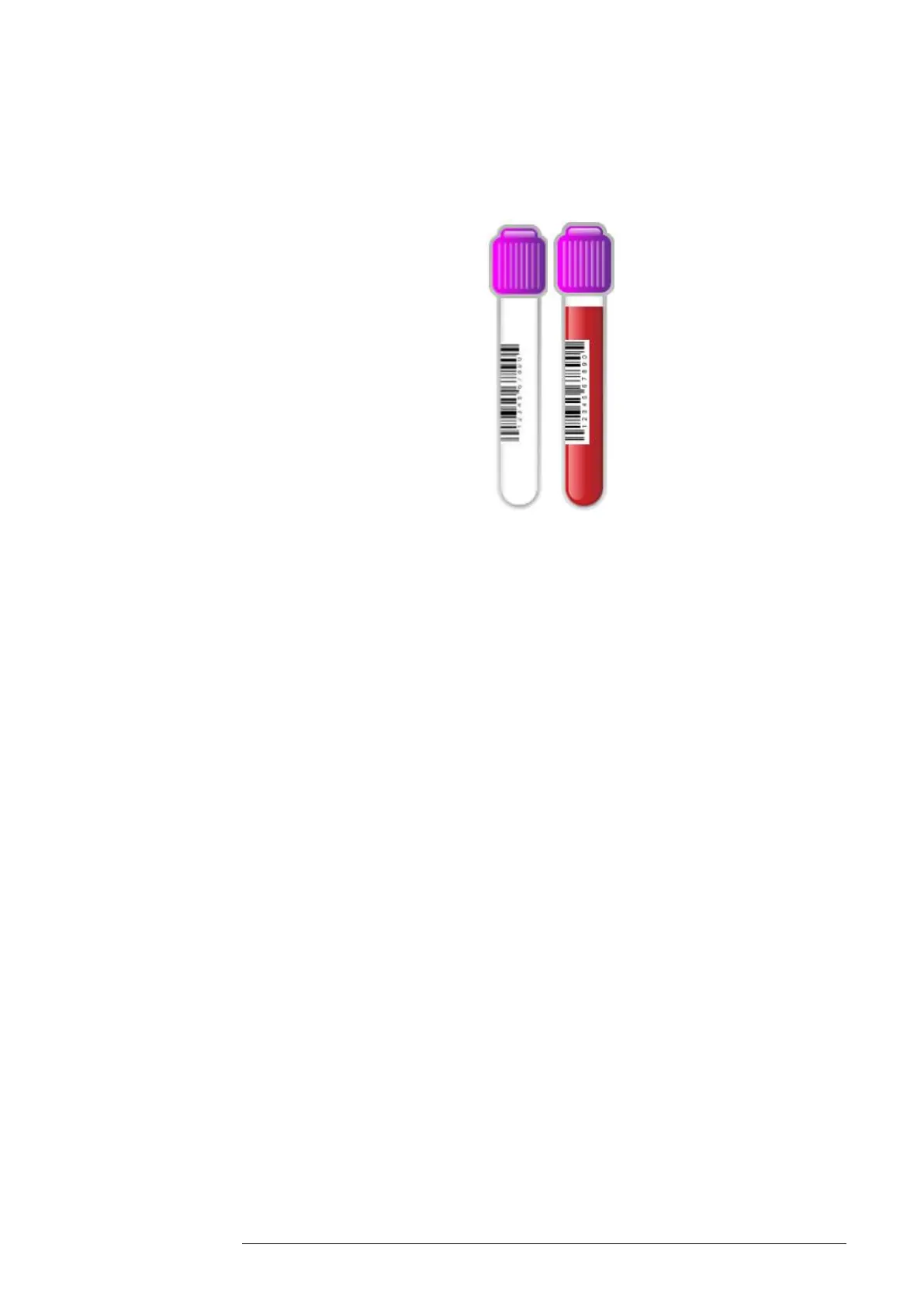
sample tube with a barcode label (Fig.4.3.).
Fig. 4.3
To enter the “Sample ID” manually before inserting a test tube, touch any
empty position on the display to open the “Sample ID” window. Touch the
“Sample ID” field to display a keyboard and enter the sample code and then
insert the tube.
To enter the “Patient ID” or “Sample ID” manually after inserting a test tube,
touch the test tube on the display to open the “Sample ID” window. Touch the
desired field, enter the appropriate code and confirm the data before it is
saved.
To associate a “Patient ID” with an archived patient result, click on the Archive
icon to search for the patient. After entering the code, it can no longer be
edited from this screen.
Starting the analysis cycle
Once a sample is inserted, the instrument scans the tube to determine the blood
level at the sedimentation baseline. During the first scan, a pop-up window opens



 To Next Page