M I N I - C U B E – U S E R M A N U A L
Rev 1.3 06/2018 28/59
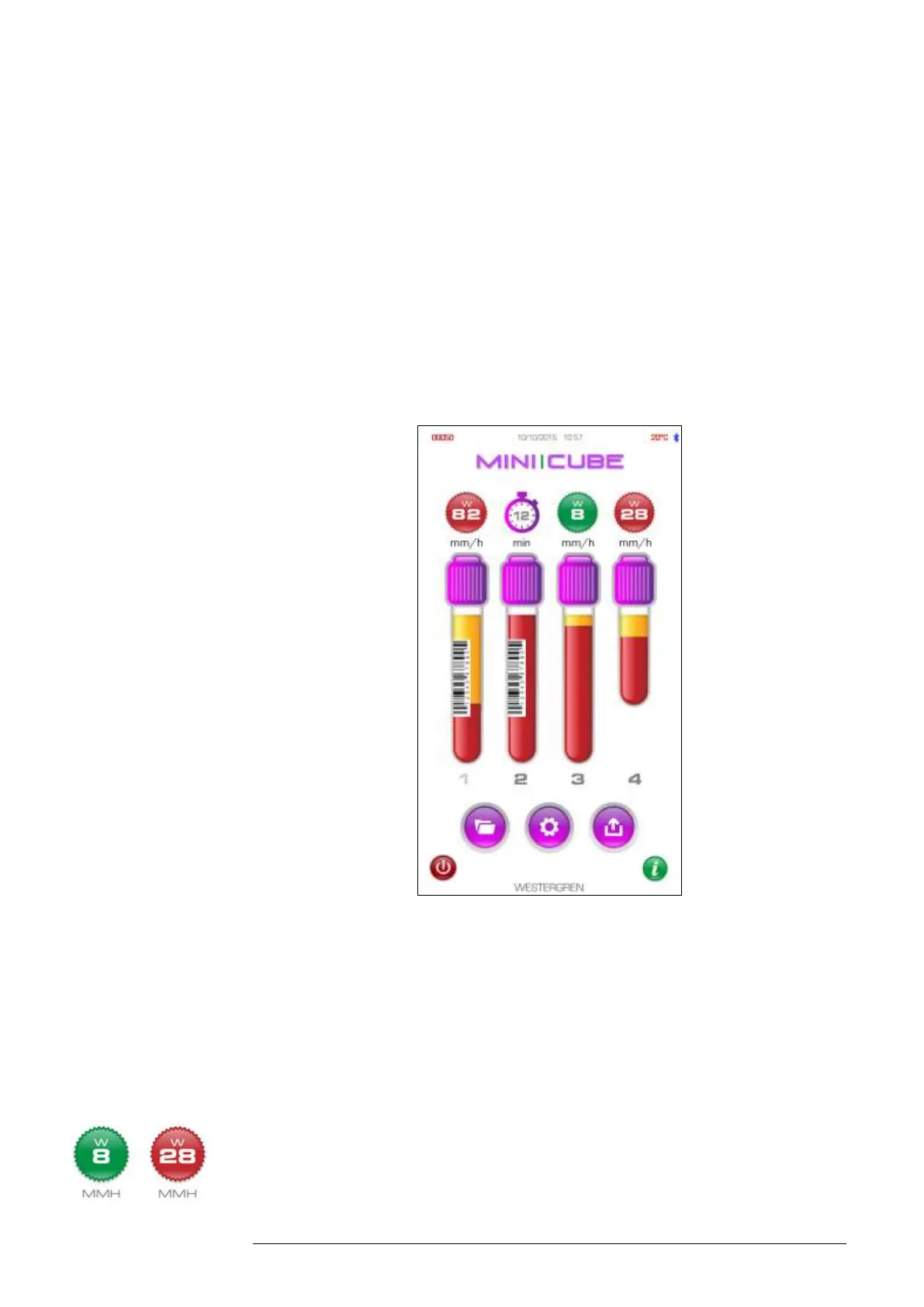
with the “VERIFYING TEST TUBE” message and the display shows the type of
test tube (normal or pediatric) and the blood level detected. The 20 minute
countdown begins at this point.
During the analysis cycle, the user can access the Archive and Settings menus
although access to edit some instrument settings will be reduced while a sample
is running.
At the conclusion of the test, 20 minutes, the instrument will alarm to alert the user
that analysis is complete and the result will be displayed above each position.
Fig. 4.4
To cancel a run, either remove the tube and an immediate “Err” message will
display, or press the OFF icon and a prompt will read, “There are X sample(s)
in process. Are you sure you want to stop the analysis?” Proceed
accordingly.
Results: Green indicates an ESR in the normal range (which can be set or
edited in the Settings menu as the “threshold value”). Red indicates an ESR



 To Next Page