M I N I - C U B E – U S E R M A N U A L
Rev 1.3 06/2018 36/59
QUALITY CONTROL
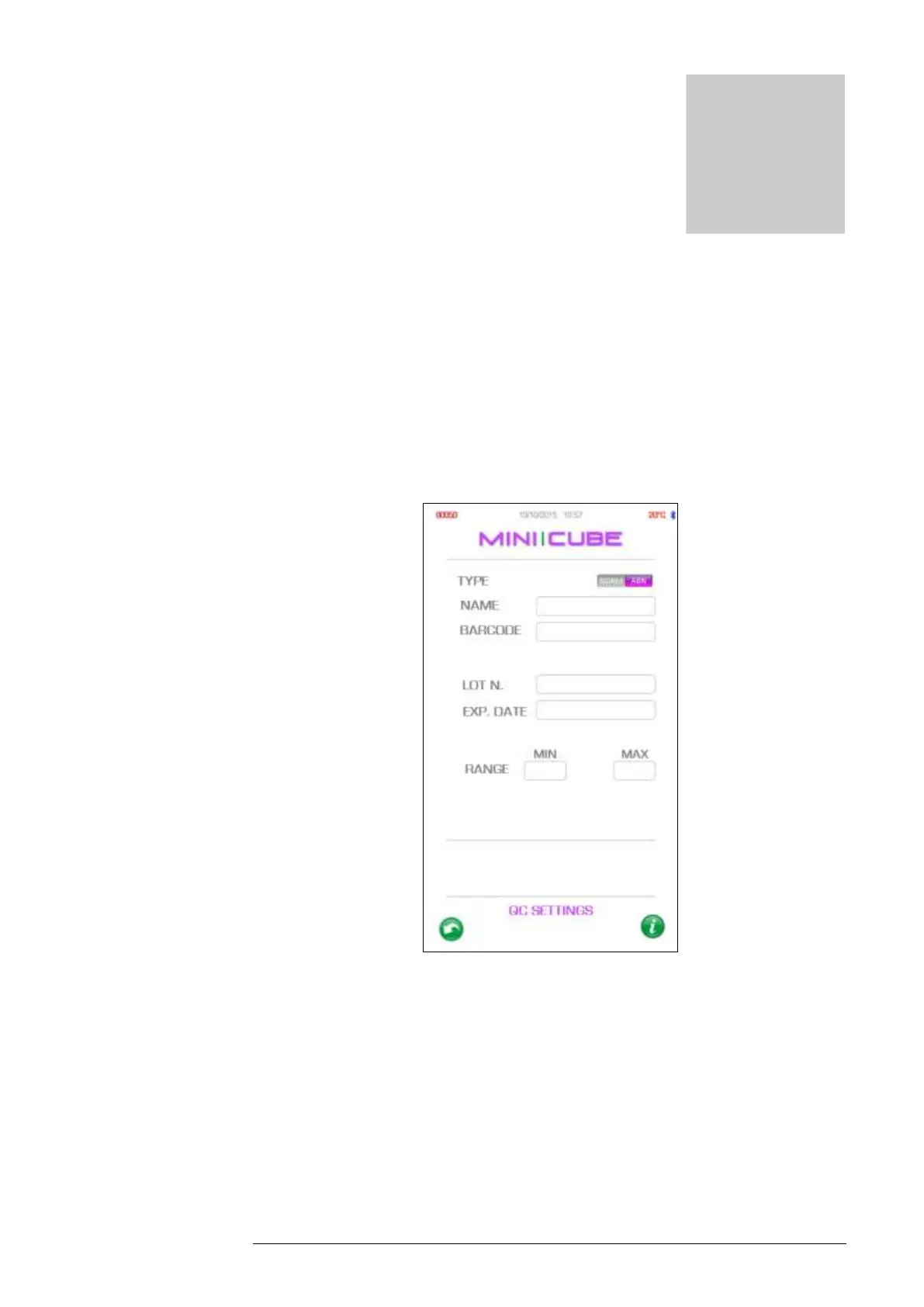
From the settings menu, in QC, the user can enter a new lot of control by level,
Normal or Abnormal (fig. 5.0). If the QC barcode is scanned, the name, lot,
expiration date and control limits are automatically programmed. If another type of
commercial control for ESR is used, labels with dedicated bar codes should be
created and the data entered manually.
Fig. 5.0
It’s recommended to run two levels of control each day of patient testing with the
Diesse MINI-CUBE. In the QC archive, the user can view the historical QC data.
Results are stored by the position in the instrument and may be viewed by clicking
on the corresponding number. Similar to the other archives, the date, code, type
of control and result are displayed on this screen. Click on the Download icon



 To Next Page