4. Basic Operation
Power-off State
Press the button once to start the device. When the screen displays "READY", the device
has nished booting up.
Power-on State
Short click:
Perform the test.
A short click followed by a long press:
Roast degree calibration.
Quick double-click:
View device information.
Long press:
Press and hold the button, and the screen will display "Power Off". Release
the button to complete the shutdown operation.
Operate with Button
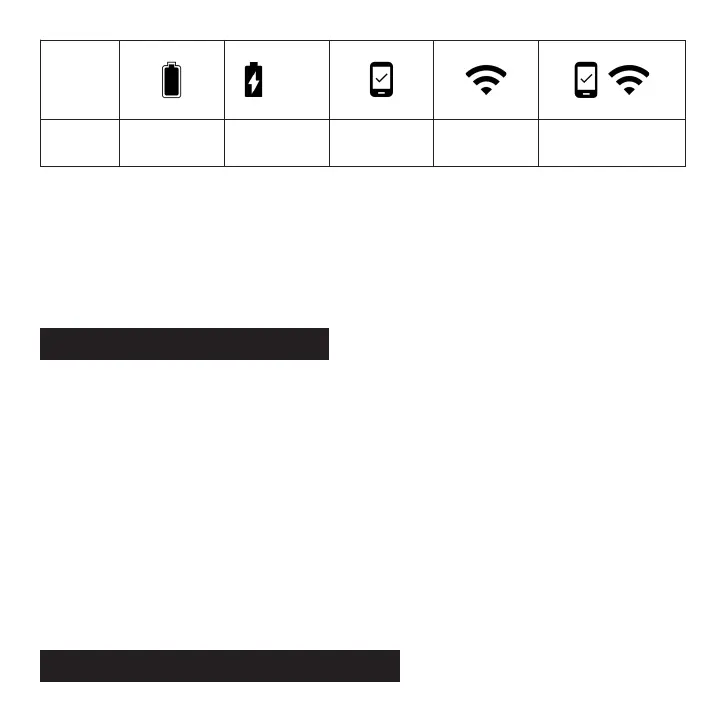
Icon
Description
Fully
charged
Charging
Bluetooth
connected
WIFI
connected
Bluetooth and
WiFi connected
51%
Operate with Touchscreen
6


 To Next Page