13
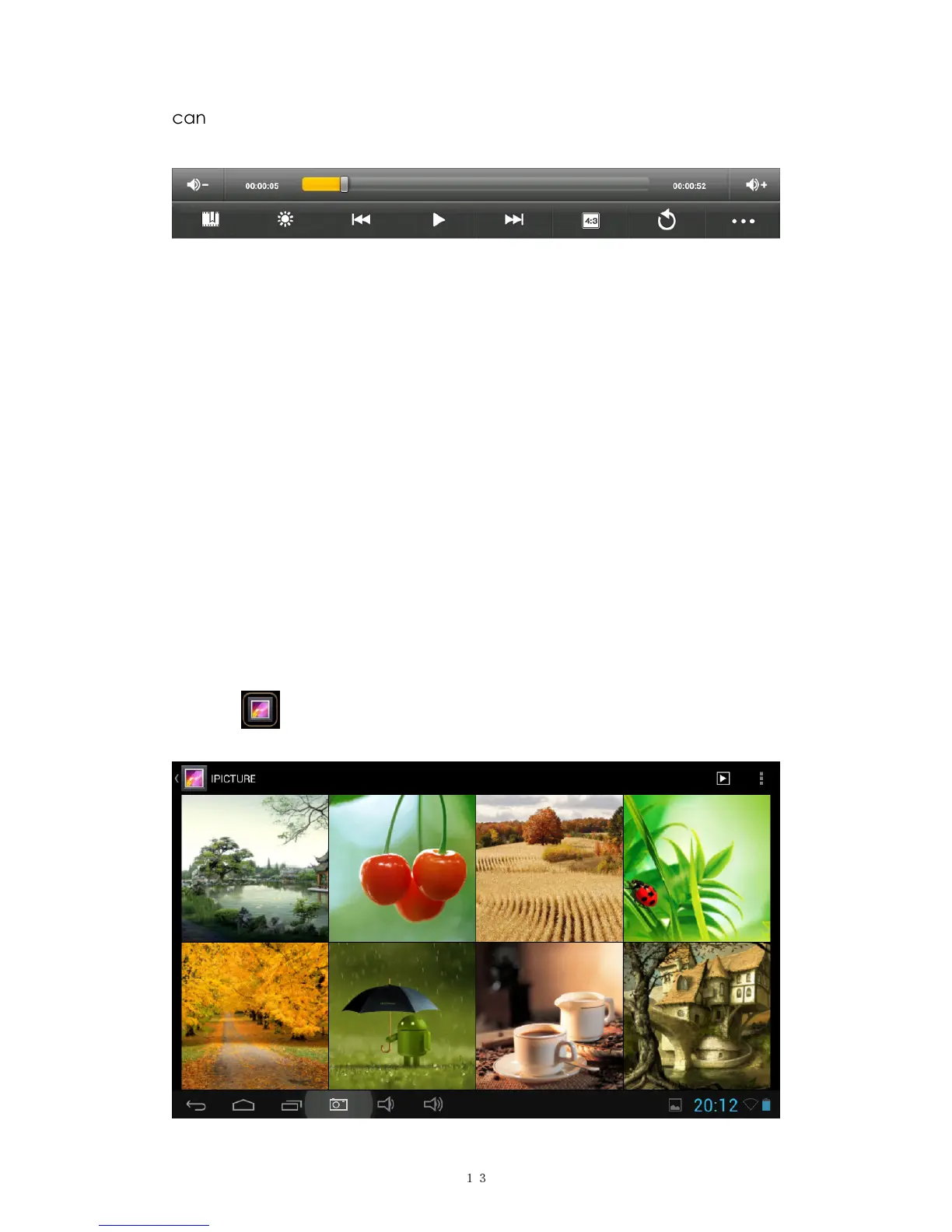
can also add bookmark for your video, adjust brightness, or set screen
ratio here. Here is the toolbar:
With the Wi-Fi on, you are also able to view an on-line video.
6.2.1 HDMI output
a. Tap 'Video player' or other video players and play a required movie.
b. Adjust your TV set and select “HDMI” output
c. Connect the tablet to your TV via HDMI cable, and wait for a few seconds
for your TV set to receive signal.
You can also operate on your tablet while HDMI connected..
6.3 Gallery
You can view, show off, and even edit your digital pictures on the
tablet’s full color, high-resolution display. After loading your media, tap
Gallery to display your pictures:


 To Next Page