Light
Press SNOOZE / LIGHT 2 on the top of the clock to briefly activate the light.
Temperature display
Press SET / °C / °F 14 to select the temperature unit Celsius (°C) or
Fahrenheit (°F).
Speed setting
When setting numerical settings, press and hold the relevant button to use the speed
setting feature.
Basic settings
The following settings are possible: Language of the day of the week, 12/24 hour time
format, year, date format (M=month, D=day), month, day, hours, minutes and time zone.
Press and hold SET / °C / °F 14 in normal time display mode for 3 seconds. The
language of the day of the week will blink on the display and can be set using
/ ALARM ON / OFF 17 or / RCC OFF 18. The following languages are
available: GE=German, EN=English, IT=Italian, FR=French, DU=Dutch, SP=Spanish,
HU=Hungarian, SL=Slovenian. Press SET / °C / °F 14 to confirm your setting. Set the
12/24 hour time format, the year, the date format (M=month, D=day), the month, the
day, the hours, the minutes and the time zone in the same way.
Alarm
2 different and separate alarm times are available for setting.
Alarm 1 (1 - 5) for the days Monday to Friday.
Alarm 2 (6 - 7) for Saturday and Sunday.
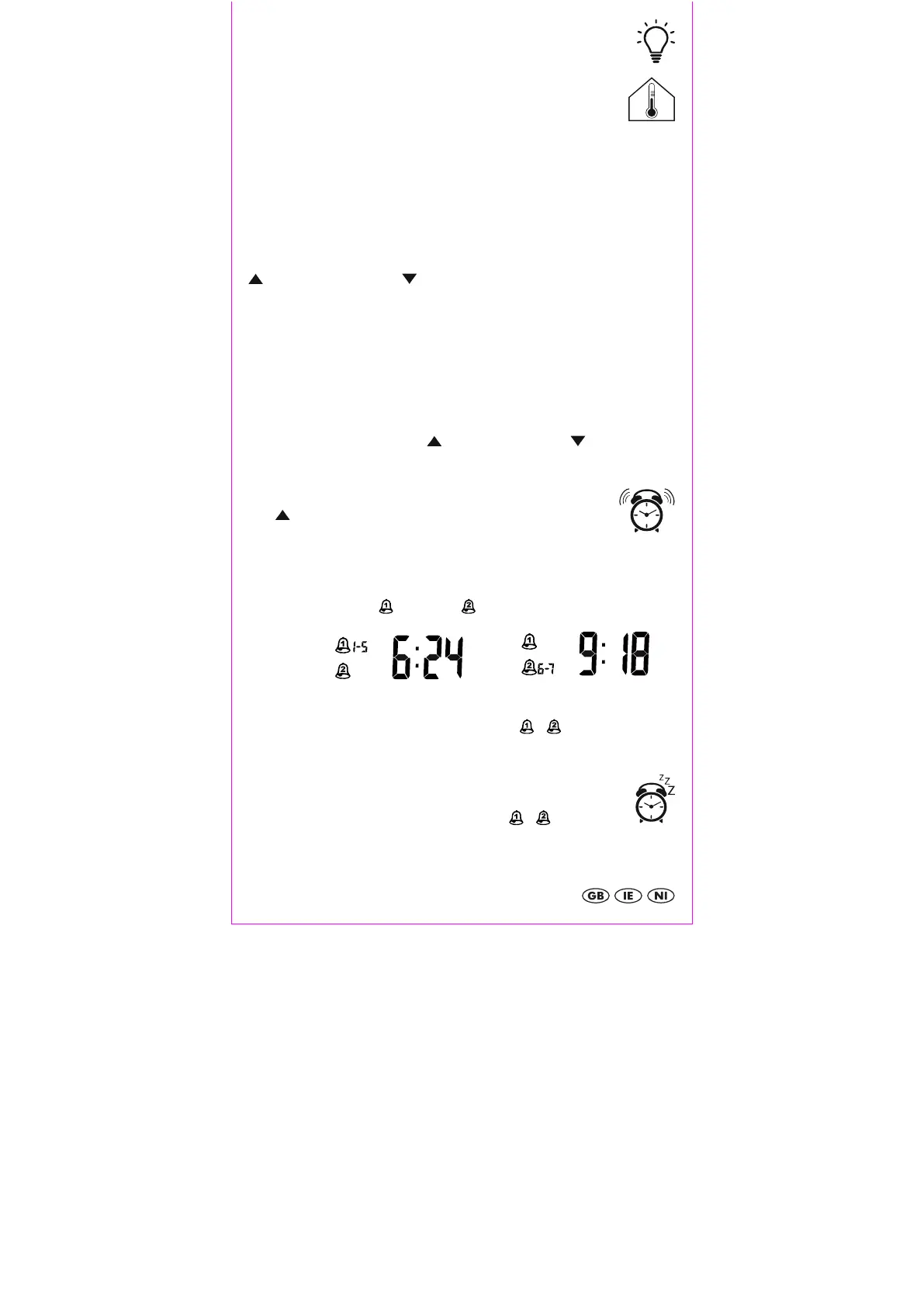
Press and hold ALARM / SET 15 to enter alarm time setting mode. The hours of alarm 1
(1 - 5) will blink on the display. Press / ALARM ON / OFF 17 / RCC OFF 18 to
adjust the setting and press ALARM / SET 15 to confirm your setting. Set the minutes and
the alarm time of the second alarm (6 - 7) in the same way.
Activating and deactivating the alarms
Press / ALARM ON / OFF 17 in normal time display mode
1 time to activate Alarm 1(1 - 5) 10 and
2 times to activate Alarm 2 (6 - 7) 9,
3 times to activate both alarms.
Press ALARM / SET 15 to switch between the alarm time displays of
Alarm 1( 1 - 5) and 2 ( 6 - 7).
4 times to deactivate both alarms.
When the alarm is activates, the bell symbol will appear / .
The alarm will sound at the set time and will increase in frequency 3 times every 10
seconds. If the alarm is not switched off, it will switch of automatically after 3 minutes.
Snooze
Press SNOOZE / LIGHT 2 on the top of the case when the alarm sounds. The
light will briefly turn on and Z
Z
12 and the bell symbol / will blink on
the display. The alarm will be turned off temporarily and will sound again after around 8
minutes.


 To Next Page