EasyManua.ls Logo

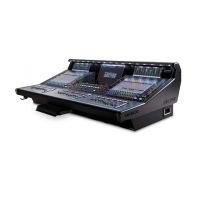
digico SD5 - Before You Start; Worksurface Layout

digico SD5
27 pages
Print Icon
To Next Page IconTo Next Page
To Previous Page IconTo Previous Page
Loading...
SD5 - Getting Started
1-2
1.3 Before You Start
There are certain general operating principles and terms that should be understood before continuing to use this manual.
Please read this chapter carefully before proceeding.
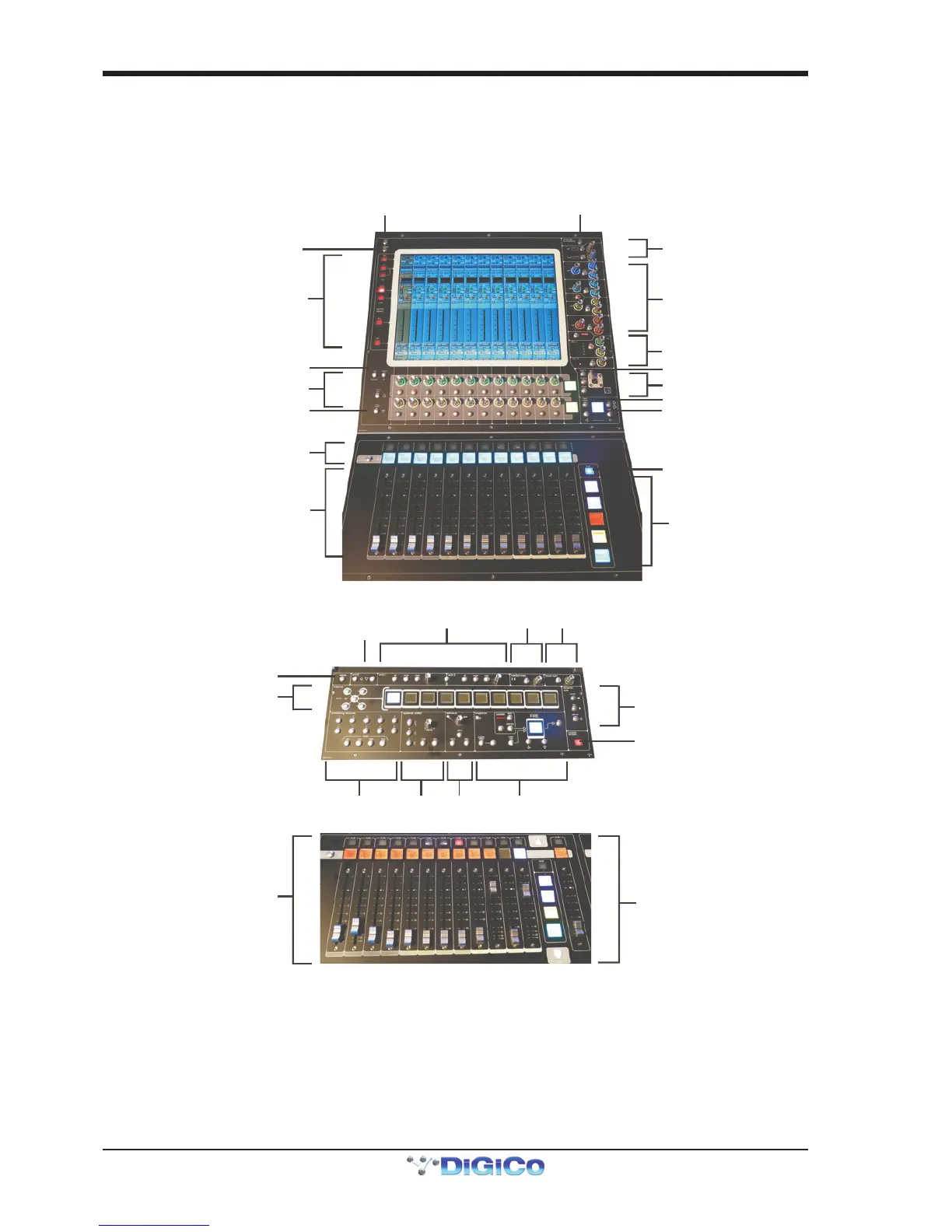
1.3.1 Worksurface Layout..............................................................
Left & Right Sections
Quick Select Switches
Rotary Resolution
Screen Scroll
2nd Function & Option/All
A
ssignable Rotaries and Switches
A
ux / Pan / Dynamics/FX Controls
Mute and Interactive LCD
Function Button
Channels Faders
ALT Input Switch
Meter View Switch
Channel Inserts A & B On/Off
Direct Out On/Off
4 Band Dynamic Parametric E
Q
High and Low Pass Filters
Multiband Dynamics
Thresholds & On / Off
Joystick
Hard Mute & Full Safe
Channel Scroll & Undo/Redo
Layer Switch
Channel Fader Banks
Centre Section
Rotary Resolution
C
hannel Faders/Mutes &
LCD Function Buttons
Phones
Solo 1 & 2 Controls
Screen Scroll
Dynamic Automation
Snapshot Controls
Macros
Monitoring Matrix
Channel Fader Banks &
Assignable Master Fad
er
Touch/Turn
Talkback

Related product manuals