confirm with the key .
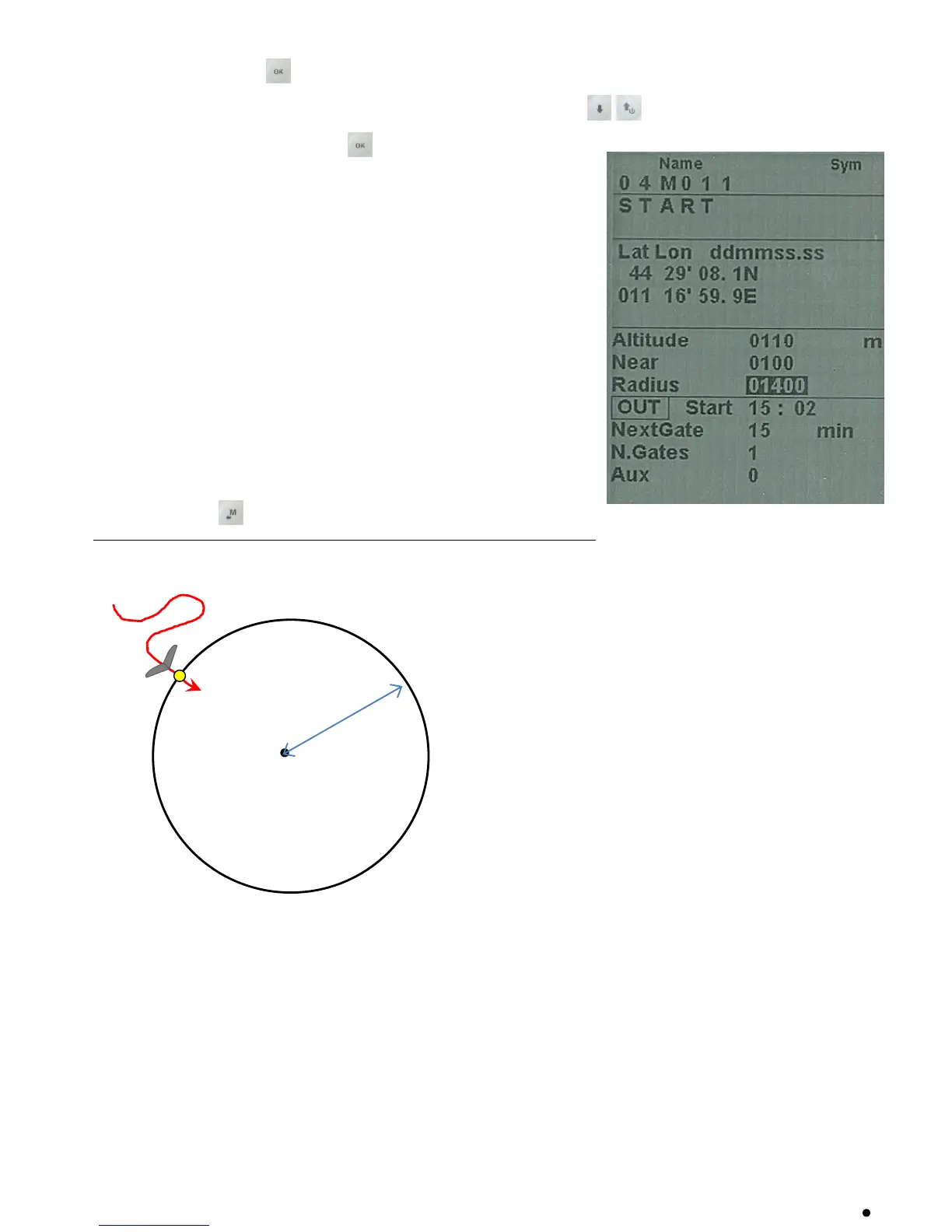
It appears a page with all the Waypoint data, use the arrow keys to navigate the field you want to
modify and confirm with the key .
The function “EDIT” is described in the chapters 2.6.1 and 2.6.2.
The waypoint fields that have generaIly to be EDITED in a route are:
o Sym : number from 0 to 9 or the letter A to identify a landing
field (Airfield).
o Note : alphanumerical, 16 characters
o Near : distance in meters from the cylinder where it is activated
the one second oversample of the flight recorder.
o Radius : radius in meters of the turn point cylinder
o Start Pilon Type : IN = entering, OUT = leaving, REV
o Start Gate Time : time of the first start (hours:min)
o Next Gate : time to the next start (minutes)
o N. Gates : total number of Start gate
Press the key to go back to the route’s page
ENTERING START PYLON ( IN )



 To Next Page