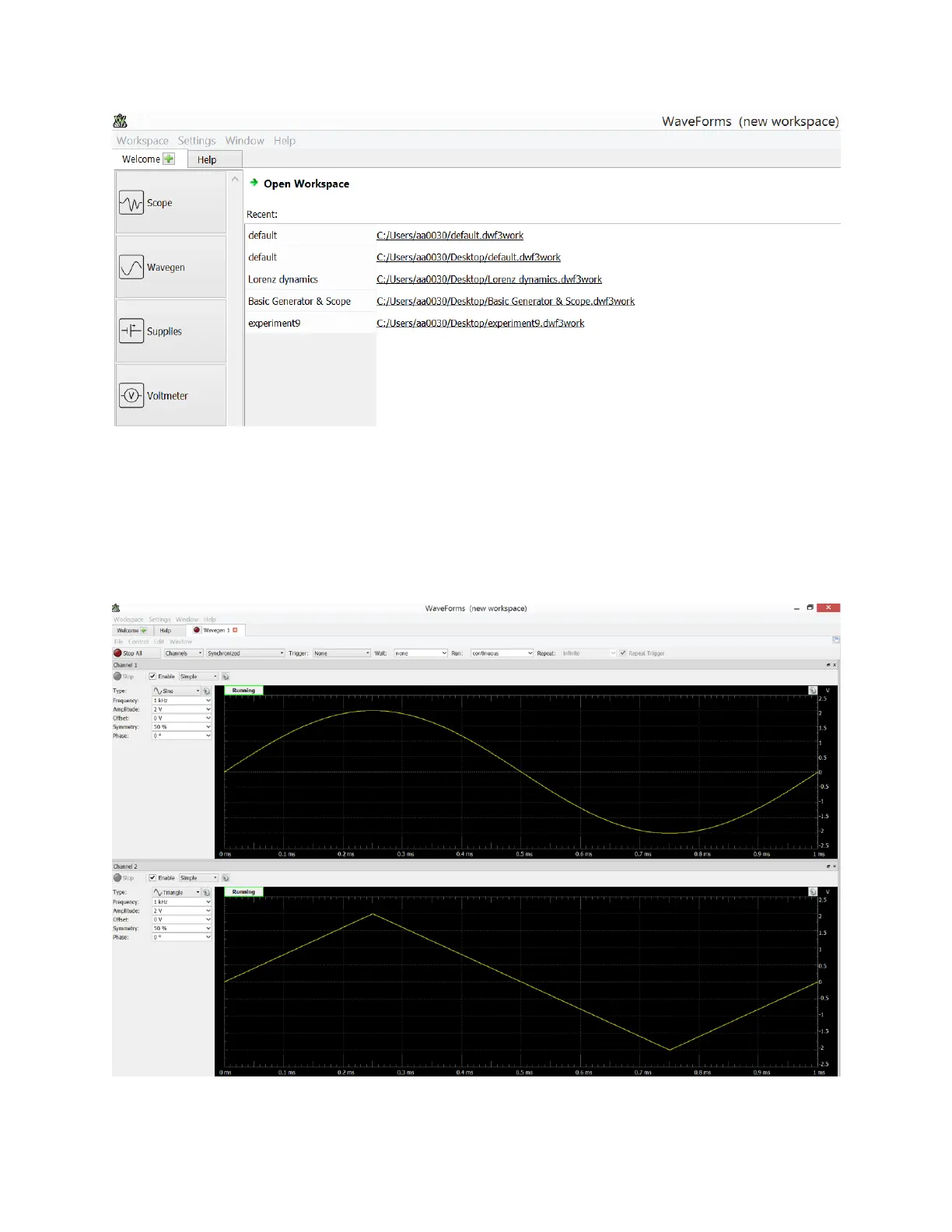
Click on the “Wavegen” icon and configure it to display two channels with Channel 1 generating
a 1KHz sine wave with 2 Volt amplitude, and Channel 2 generating a 1KHz triangular wave with
2 Volt amplitude. Choose “Synchronize” from the top menu. This will cause the two signals to
be synchronized (both will start at the origin). Finally, click on “Run all.” The interface should
now look as shown in the figure below.


 To Next Page