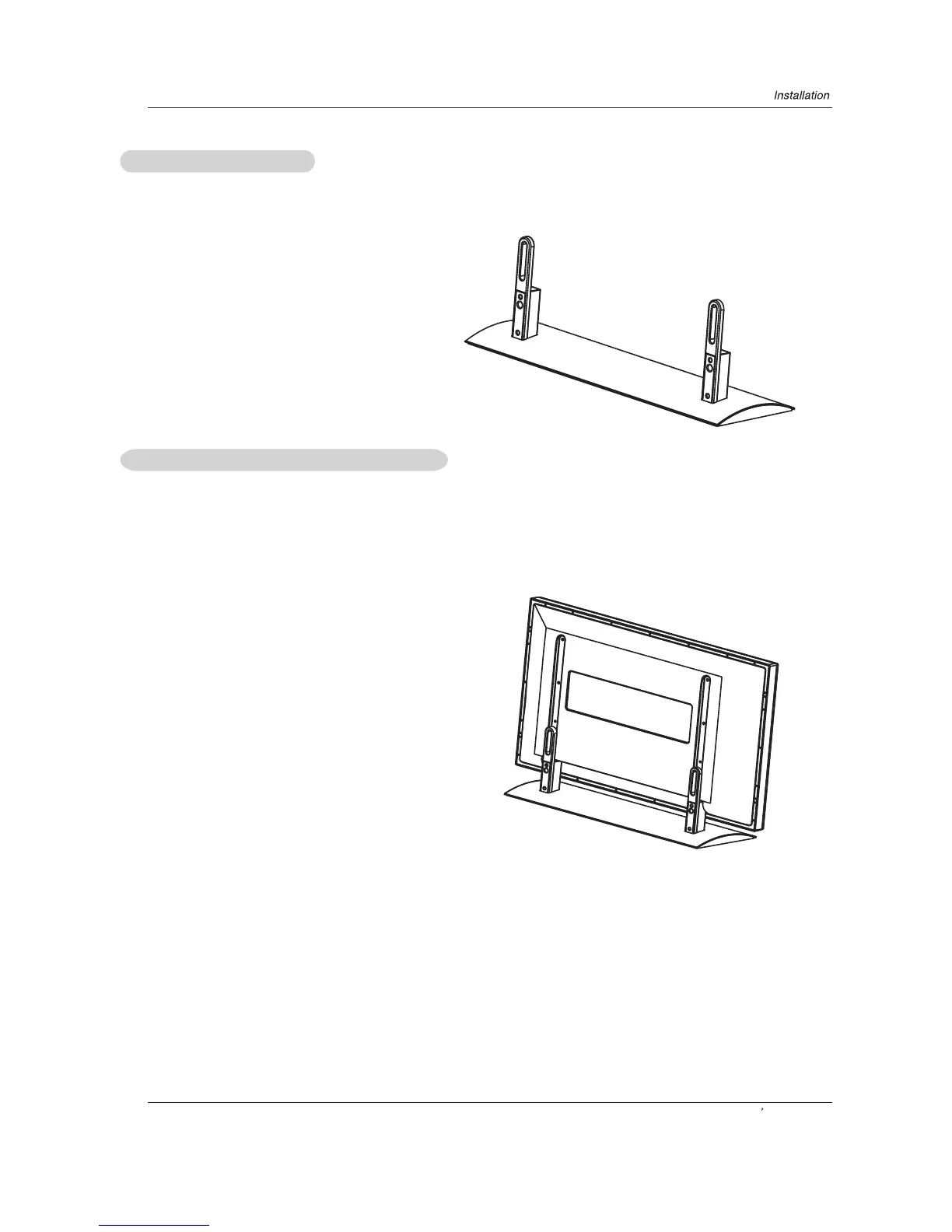
Installing the Stand
Installing the Stand to the Plasma
Owner s Manual 15
Insert the supporting bracket with 8 M4x12 screws to
the installation holes on the bottom of the soleplate.
Fasten the Supporting bracket and the Soleplate
as shown in figure.
Face the Plasma screen upside down on a clean blanket and pay attention not to indent the casing.
Lay down the stand and put it to responding position of the Plasma screen ,and make sure the brace pole is towards the hole of
the Plasma.
Affix the 2 Plasma brace poles to the unit on the back of the plasma display with 4 M5X16 screws.



 To Next Page