Frequent troubleshooting guidelines
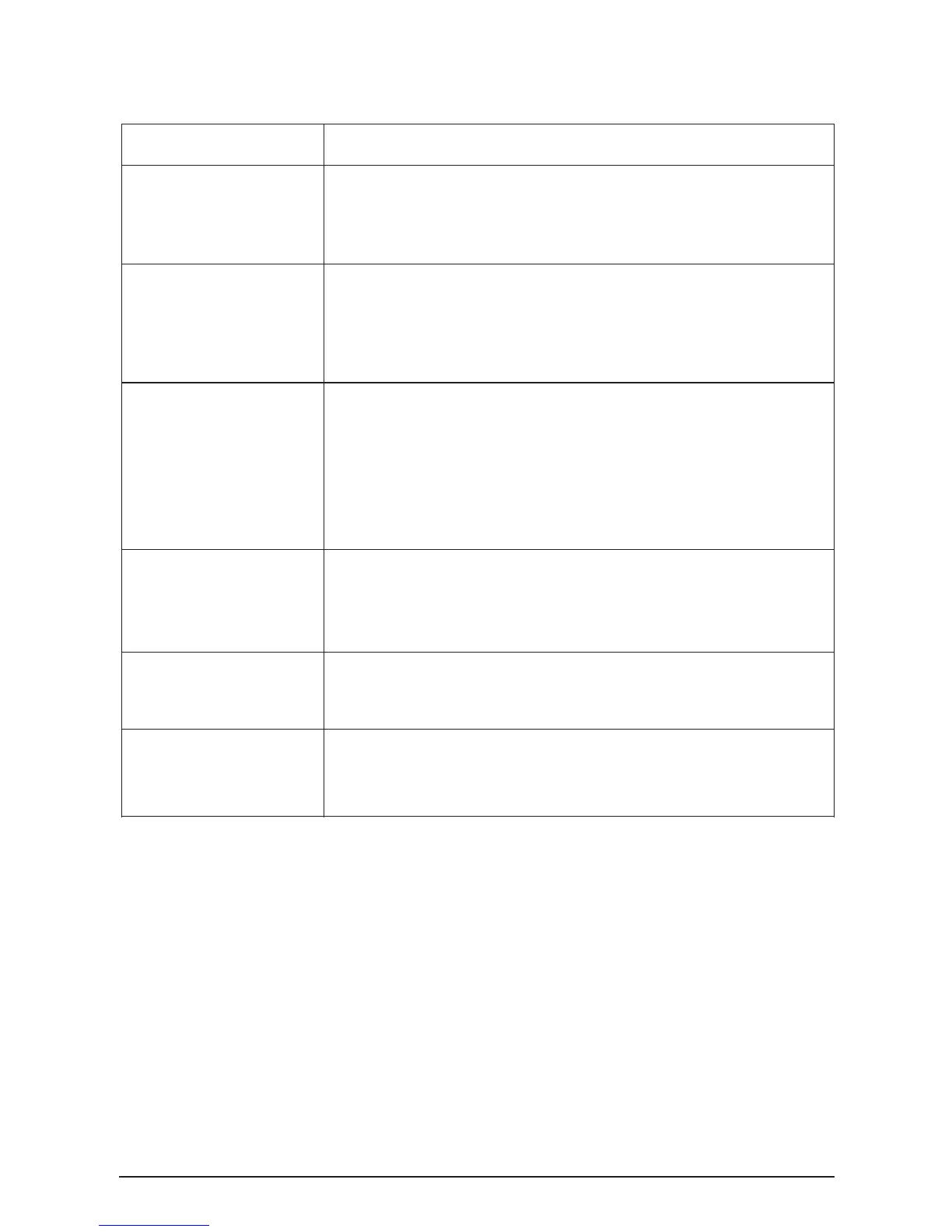
1.Check the power cable is connected correctly.
2. Check the fuse is burned.
3. Check the power switch is closed.
GUI cannot be online with device
1. Check the communication cable is connected correctly
2. If you use the RS232C port in the back of the device, make sure that USB cable is not connected.
3.Reopen the GUI software and reconnect the communication cable.
1. Check all the input signals are normal.
2. Check all the output connection is correct, include power amplifier and loudspeakers.
3. Restart the device.
4. Restore to factory status, Please refers to the relevant chapter above.
5. Try to restart the device many times is still unable to solve the fault, please contact the
distributor to resolve
No sounds output
LCD monitor no display, light-
emitting diodes (LED)are dark
LCD displays fault tips,“error xx”
LCD displays fault tips:“Storage
error”
LCD display fault tips:“DSP1 error”
1.Restart the device.
2.Restore to factory status, Please refers to the relevant chapter above.
3.Try to restart the device many times is still unable to solve the fault, please contact the
distributor to resolve
1. Restart the device
2. Try to restart the device many times is still unable to solve the fault, please contact the
distributor to resolve
1. Restart the device
2. Try to restart the device many times is still unable to solve the fault, please contact the
distributor to resolve


 To Next Page