EasyManua.ls Logo

Digital Knight DK20SP - User Menus; Entering the user menus & options

Digital Knight DK20SP
24 pages
Print Icon
To Next Page IconTo Next Page
To Previous Page IconTo Previous Page
Loading...

User Menus
Entering the user menus & options



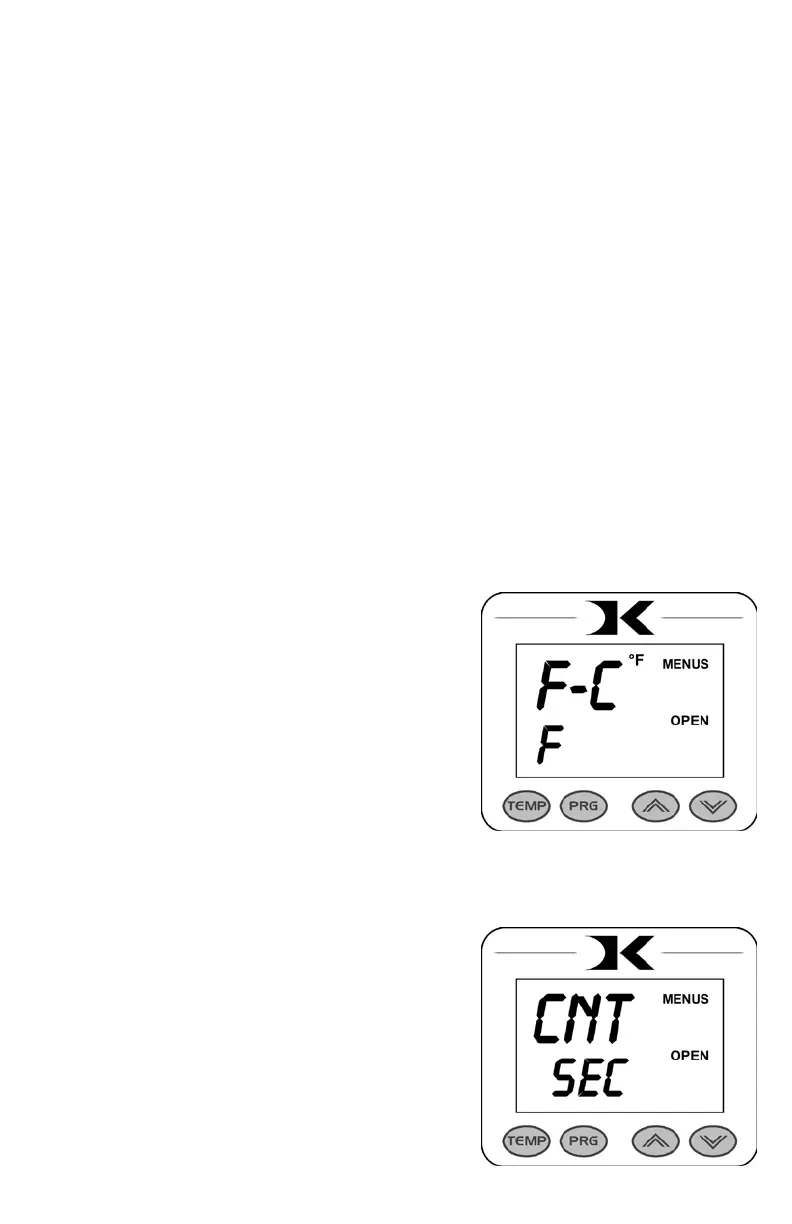
To access the user menus, simply press TEMP & PRG at the same
time from the normal operating mode and let go.
(Try to use two hands and press the keys at the exact same time. If one
key is pressed too early from the other, the temperature setting or preset
modes may be activated instead. Turn the press off and then on and try
again.)
Fahrenheit / Celsius


     


Timer Counter Units






      

