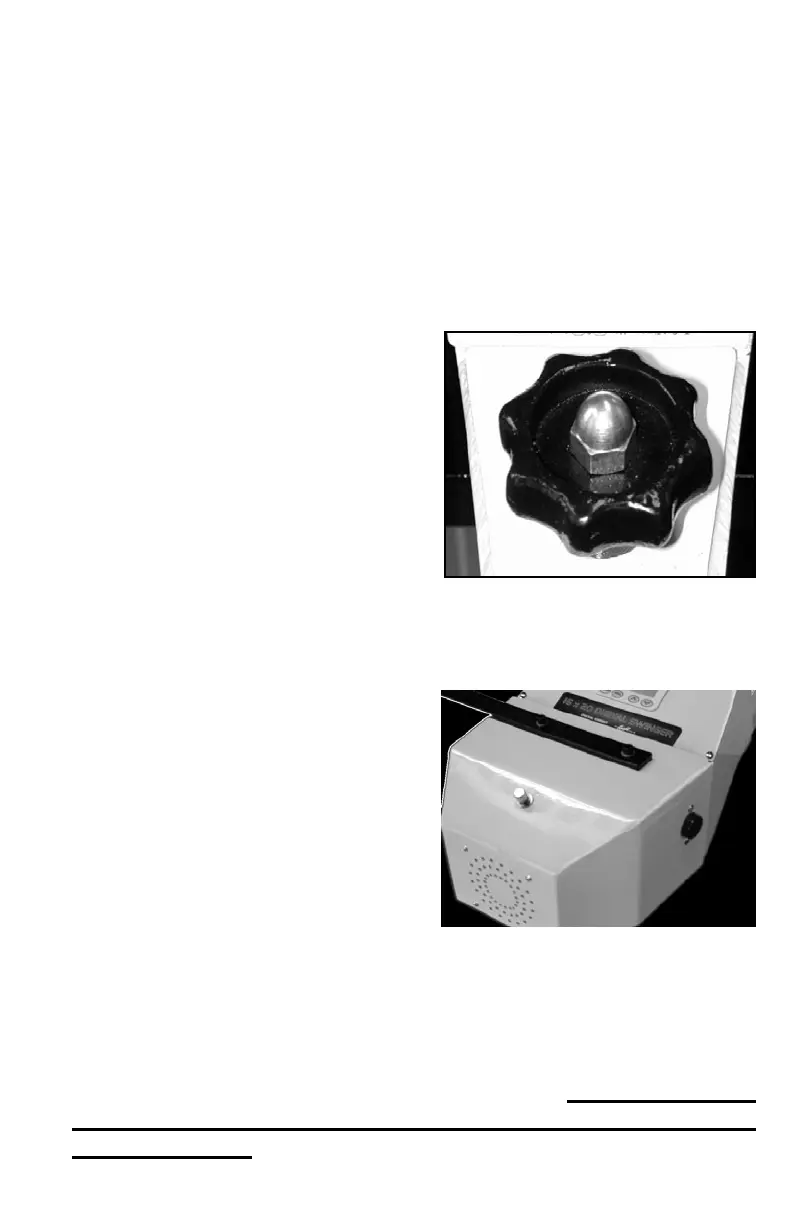
Setting Platen Height
The height adjustment knob on the DK20SP allows for thicker
items to be placed in the press. The factory set height of the press is
the proper platen height setting for most fabrics, and materials under
1/4” thick. Unlike manual presses, the actual amount of pressure on the
DK20SP is determined by the air regulator and air gauge, NOT by the
height of the heat platen. However, if the platen height does not provide
enough clearance for especially thick items, this can be adjusted. There
should normally be 1/2” to 3/4” gap between the heater and bottom pad
or workpiece.
• To raise the heat platen, turn
the pressure knob to the left,
counterclockwise. The top head will
rise away from the lower table.
• To lower the heat platen, turn
the pressure knob to the right,
clockwise. The top head will lower
toward the pressing table.
Activating the Press
To actuate the machine, simply
press both black buttons together.
This will cause the air bladder to
ll, the table to raise, and the work
to be pressed. The digital timer will
automatically begin cycling. At the
end of the timer cycle the press will
automatically release and the timer
will reset to the preset time. BOTH
black buttons must be pressed together, to insure that both operators hands
are clear of the pressing area, for safety purposes.
To interrupt the timing cycle, in order to do a quick pre-press or
press for a shorter period of time than is set, simply press both black
buttons together again. For emergency one-hand release of the air pres-
sure, press the middle button on the front panel.
THE GREEN
LIGHT MUST BE ON IN ORDER TO OPERATE
THE PRESS.


 To Next Page