Web Power Switch 7
digital-loggers.com
10
accessible from the System Log page. Multiple controllers
can export logs to a single external SYSLOG server. For more
information on syslog: digital-loggers.com/syslog.html
Logout
The controller will automatically log-out when your browser
session is closed. Click this link to log-out in advance.
Help
The Help link displays the latest online manual. Since features
are subject to change without notice, this manual may not be an
exact match for earlier controllers and earlier fi rmware versions.
Find the fi rmware revision history here.
Programmable Web Links
Four additional user-defi ned web links are provided on the outlet
control page. Factory defaults are Manual, FAQ, etc. You may
change the name and destination URL for these links on the
Settings page. These links are convenient for connecting to
other power controllers or to remote sites.
Switching Outlets On and O
The outlet control page lets you control any outlet (except the
always-on pair). A master setting also allows users (with security
access) to switch all outlets on or off.
To switch an outlet on or off, simply click to the right of the outlet
name or number. Switching is immediate.
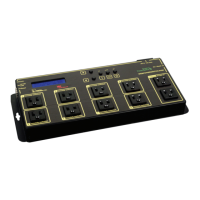
Use the keypad for local control: Select an outlet using the
arrow keys, then press on, off, or cycle. Press ON or OFF for
5 seconds to lock or unlock an outlet. Locking prevents web
access. Admin may disable the keypad on the setup page.


 To Next Page