5
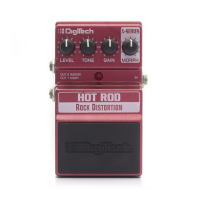
8. Foot Switch Release Pins - These two pins are spring-loaded
hinges that hold the pedal in place. Push these pins in with the tip
of a 1/4” guitar cable to release the pedal from the pedal chassis
exposing the battery compartment. (See battery replacement
diagram).
9. Indicator LED - This LED indicates when the effect is turned on or
off. When battery power is low (approximately 15 minutes before end
of life), the Indicator LED begins to dim giving you advanced warning
that very shortly you will need to replace the battery.
10. Foot Switch - Press the Foot Switch to turn the effect on and off.
11. Output 1 (Mono) - Connect this output to the input of a single
guitar amplifier, another pedal input, or an amp effects return.
12. Output 2 - Connect this output to the input of a second guitar
amplifier when a second amp is being used.
Note: Use unbalanced mono instrument cables only.








 To Next Page