5
FUNCTIONS
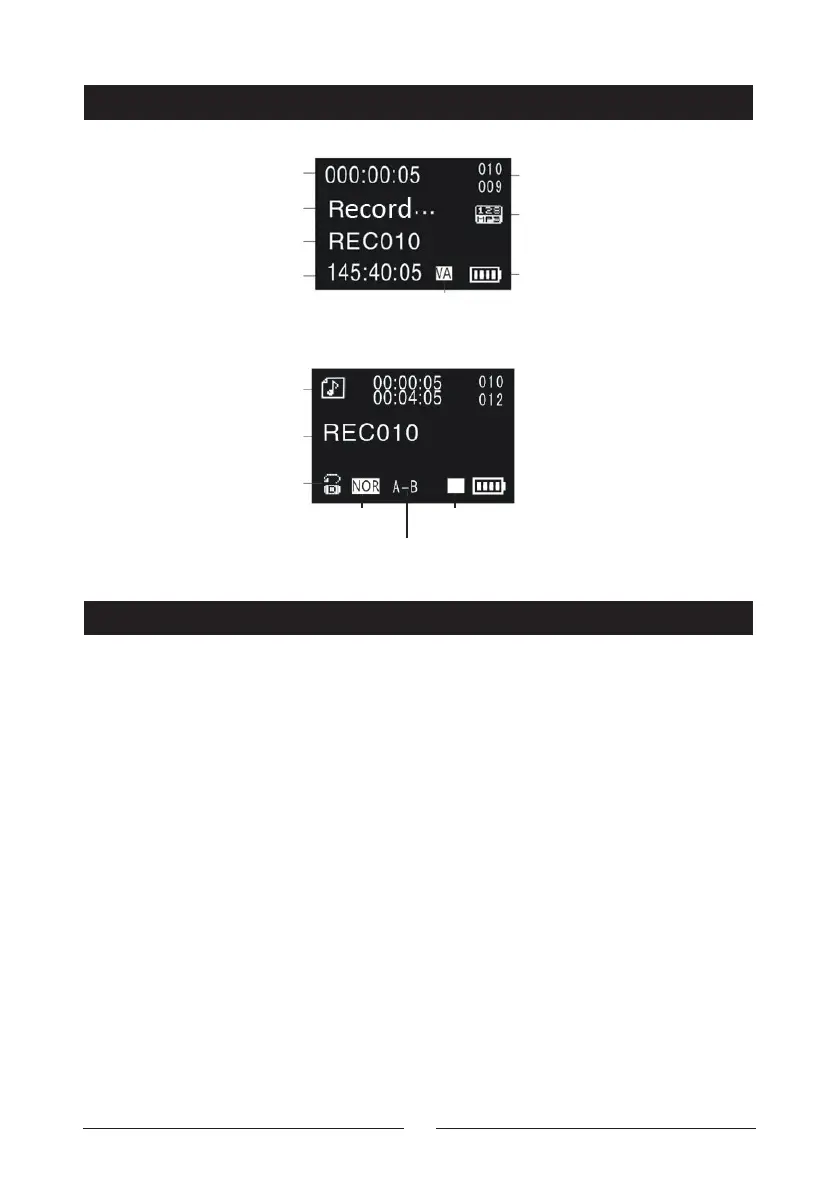
LCD DISPLAY
Current Time
Play Mode
File Name
Repeat Mode
A-B Repeat Mode
Play/Pause/StopEqualizer Mode
Current File Number /
Total File Number
Battery Percentage
Voice Activated Recording (VOR)
Recording Format
Recording State
Recording File Name
Recording Balance Time
Power On/O:
Power On: In power o mode; slide the “Power“ button to the “ON/OFF” position
and hold for 2 seconds until the screen displays the Digitech Audio symbol.
Power O: In standby mode; slide the “Power” button to the “ON/OFF” position
and hold for 2 seconds until the screen displays “Power O”
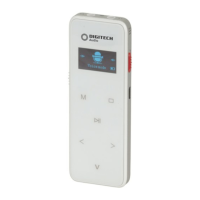
Lock Button: In standby mode; slide the “Power” button to the top “Lock”
position, now all buttons are locked. Slide the “Power” button to the below
position, this will cancel the lock function.
One-Key Recording:
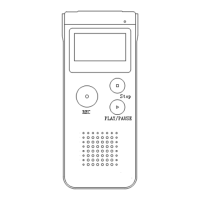
In any state including being powered o, slide the Red “REC” recording switch
from “STOP” to “REC”; the device will start recording.


 To Next Page