Erase File Backup
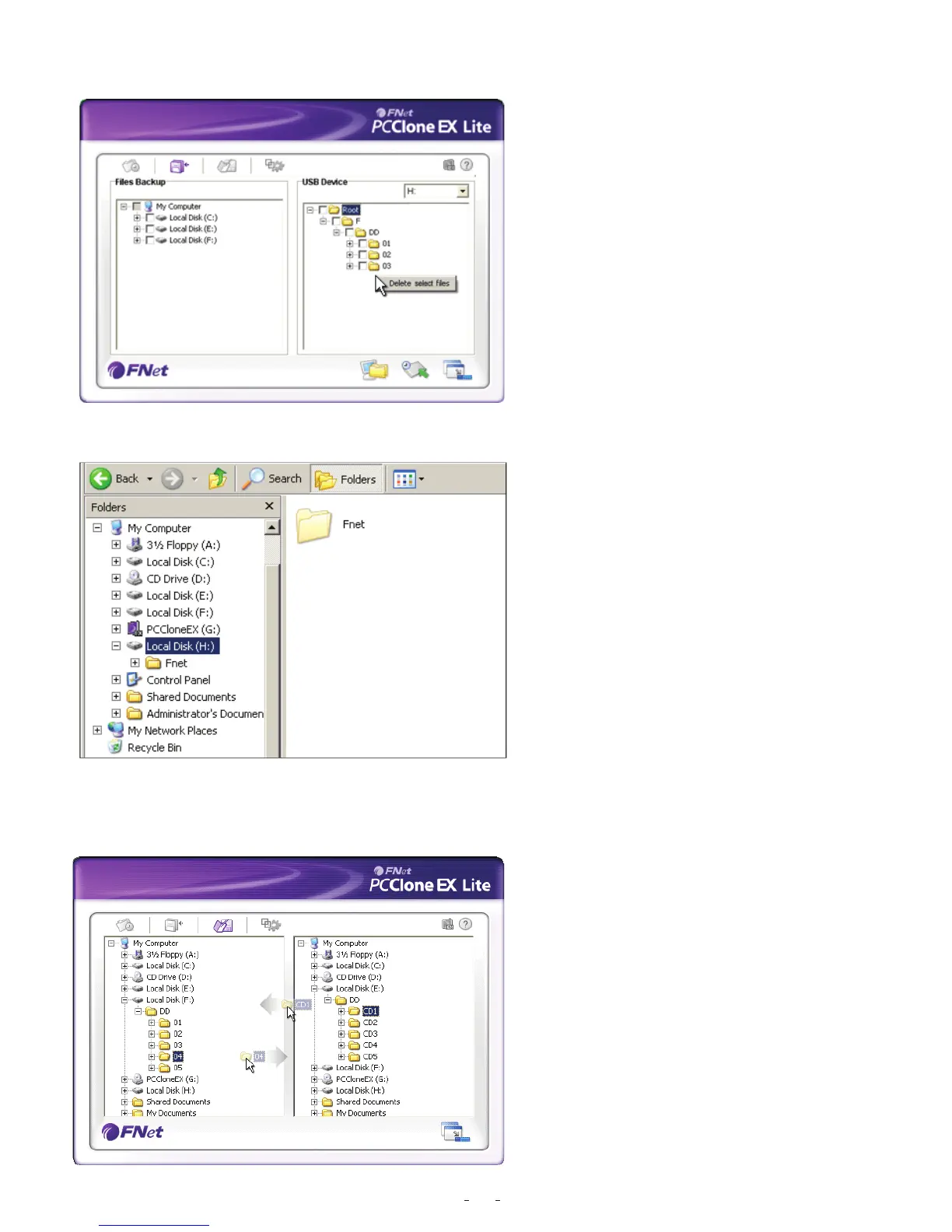
1. Please plug USB HDD,
and turn on the power.
2. Execute PCClone EX.
3. Go on PCClone Ex screen.
4. Select the “File backup” of USB
Device, then, right click the mouse
to click “Delete select Files”, all
select files in the USB device will
be deleted.
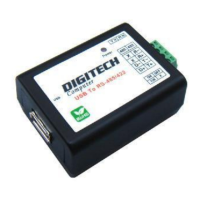
5. Otherwise, delete the root directory
F: FNet directly; it will also work.
File Manager
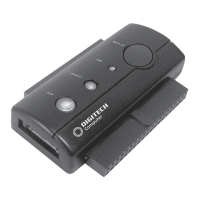
PCClone EX Manager function is the
same as Windows Explorer. PC users
can directly drag the files forward and
backward between the fixed device &
USB device.It is convenient for users
who manage or check their files without
clicking the icon of “Windows Explorer”
or “My Computer”.
17


 To Next Page