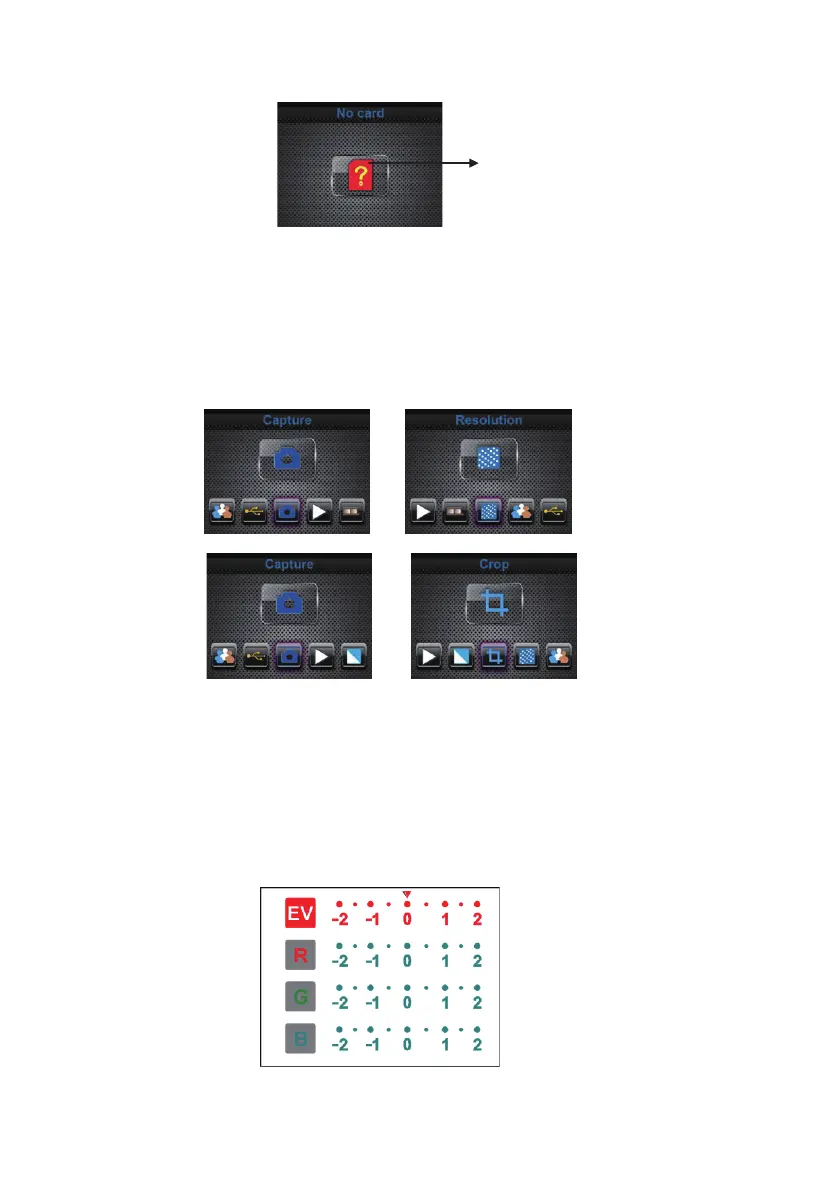
Home/MODE: No memory card
If there is no memory card inserted into the device, a warning icon will be
shown on screen when entering the main menu
SD / SDHC card slot up to 128GB
1: Capture
or
After the welcome page, the above menu will appear. User can press
LEFT/RIGHT button for desired menu, then press ENTER button to confirm
the selection.
1.1 Adjust brightness and color of image
You can adjust brightness and color of image in capture mode.
When enter into capture mode, press ENTER button, following picture will
show on:
EV means brightness;R means red; G means green; B means blue.
Press ENTER button to switch, press LEFT/RIGHT button to adjust data
Press SCAN button back to image preview mode
10 - EN



 To Next Page