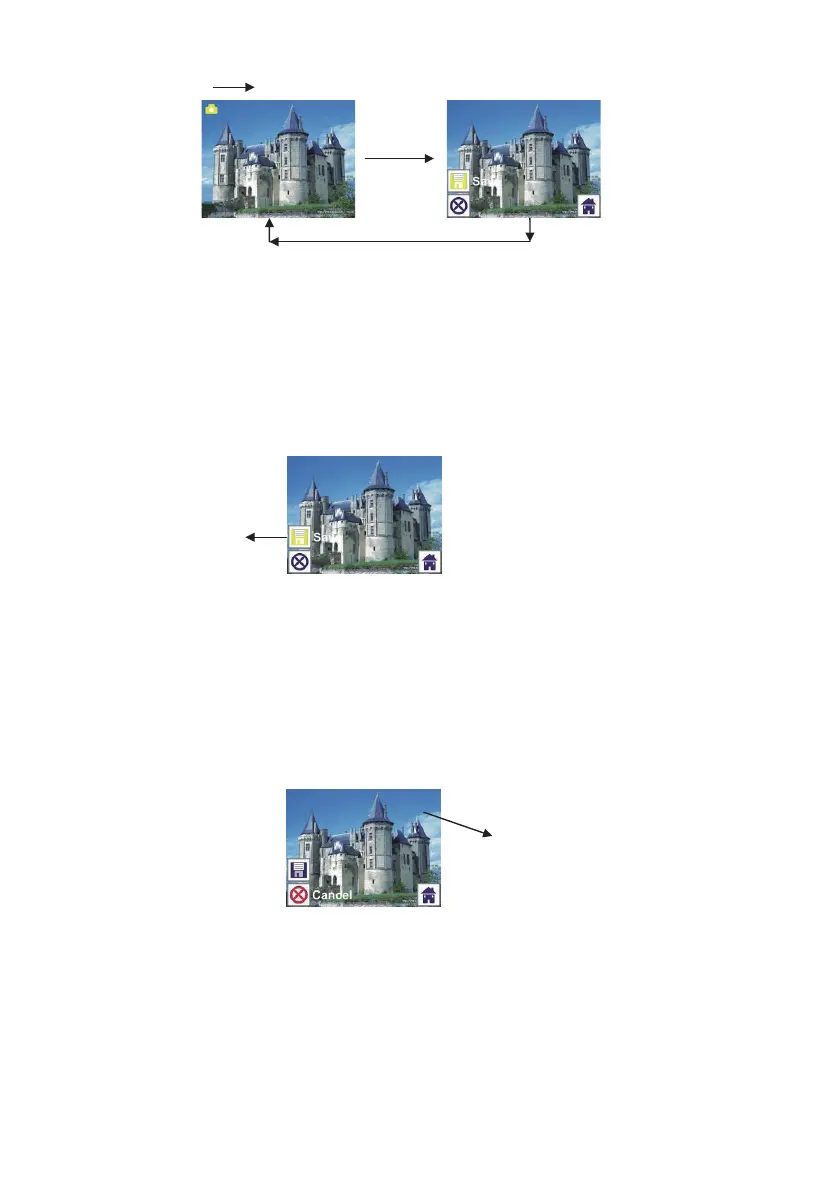
1.5 Live view Capture/Edit menu
Once press SCAN button in live view, the edit menu will appear. When user
press ENTER button, the current image will be saved to internal memory or
memory card when there is a memory card inserted, the display will return to
live view again.
1.6 Capture: Save
Once user press SCAN button, preview (live view) image will be selected and
shown on the TFT which will take between 1~2 second with 2 icons shown on
the left side of the screen. Save icon will be highlighted for user to confirm by
ENTER button, after the above step, the display will go back to live view mode
(preview)
1.7 Capture: Cancel
Select Cancel icon with LEFT/RIGHT button and press ENTER button to
cancel any editing step with present selected image and the display will return
to live view mode (nothing will be saved)
12 - EN



 To Next Page