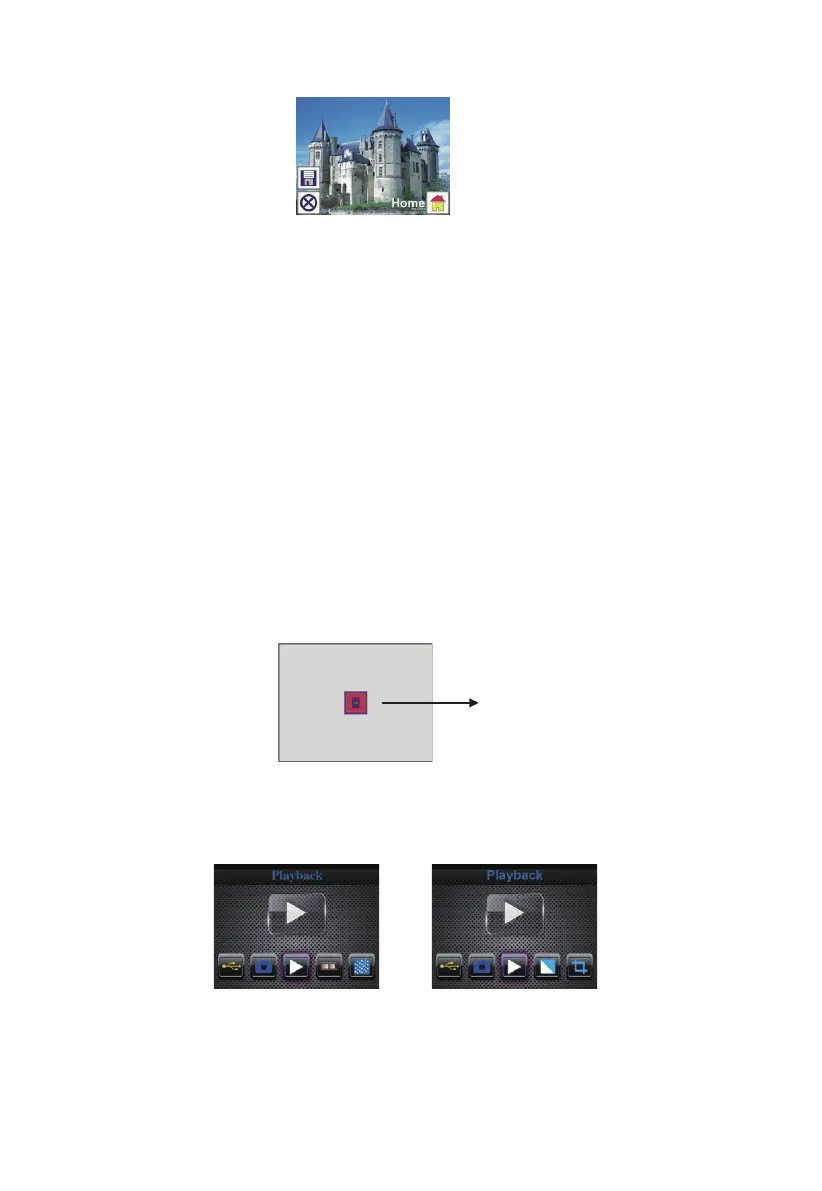
1.8 Capture: Home
Select Home icon with LEFT/RIGHT button, then press ENTER button or press
MODE button on top of the device anytime to return to main menu
1.9 Exit from Edit mode back to Capture mode (live view)
Once user press ENTER button for save or cancel option, the display will
return to capture mode/live view. Then user can move the film holder to next
target film or change another photo to capture.
1.10 Memory full
Once the images in internal memory or memory card is full
, a memory full icon
will be shown on screen when press SCAN button. User has to download the
images to PC or replace another memory card for continue capture.
2: Playback
or
Press LEFT/RIGHT button to playback mode when power on the device or
access the main menu by Home icon/MODE button anytime. Press ENTER
button to confirm the selection.
13 - EN



 To Next Page