6 - EN
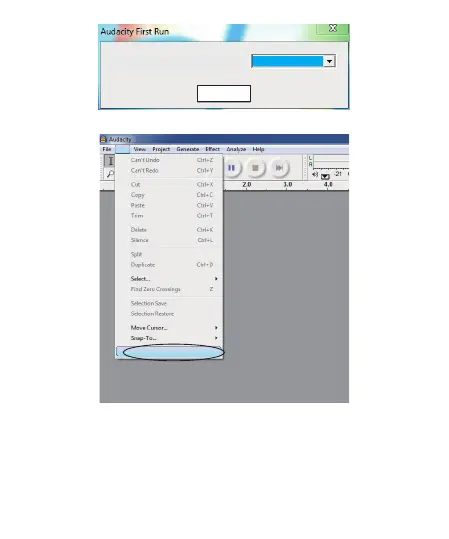
Please click “Edit” key on the software panel, and select “Preferences”.
Please select recording device to be “USB Microphone”, and channels to Be
“2(Stereo)”.And select ”Play other tracks while recording new one” and
“Software Play through (Play new track while Recording it)”,then click “OK”.
OK
Choose Language for Audacity to use:
English
Preferences... Ctrl+P
Edit



 To Next Page