5 - EN
Insert the CD (supplied) into the CD drive and follow the onscreen
instrutions.Once the software is installed, you can connect the tape to digital
converter to your computer the USB cable (supplied) to transfer your audio.
Please insret software CD in your CD drive, and double click “My Computer”
and CD icon.
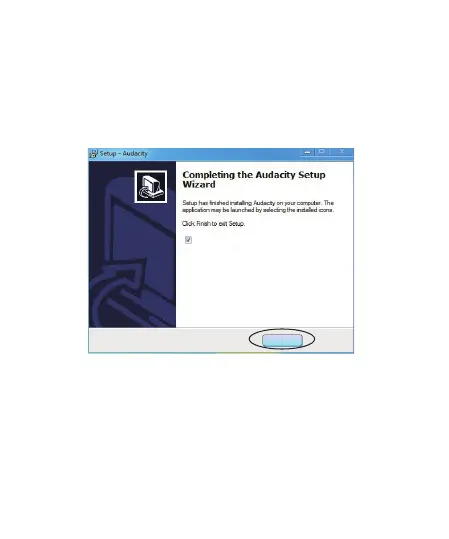
Please double click “audacity” to install software, and click or select “Next” , ”I
accept the agreement ” and/or “ finish” to finish the software Installation.
2.Software Installation
Maybe you need to pull the audio capture device and plug it into your
computer again.
A, Double click “audacity” icon on your computer’s desktop, please select
your Language frist, then click “OK”.
3. Operation
Finish
Launch Audavity



 To Next Page