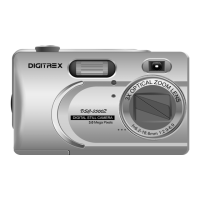
Thanks for purchasing this high-quality Digital Still Camera!
This unit allows you to easily create an electronic album. Please read this
manual carefully so as to enjoy all its features.
Read thoroughly the Safety Precautions. They contain extremely important
information regarding the safe use of this product.
For information on installing and operating the included application soft-
ware, please read the software instructions.Do not hesitate to contact our
service facility for upgraded information for your future use.
Software Installation refers to the QUICK START GUIDE.
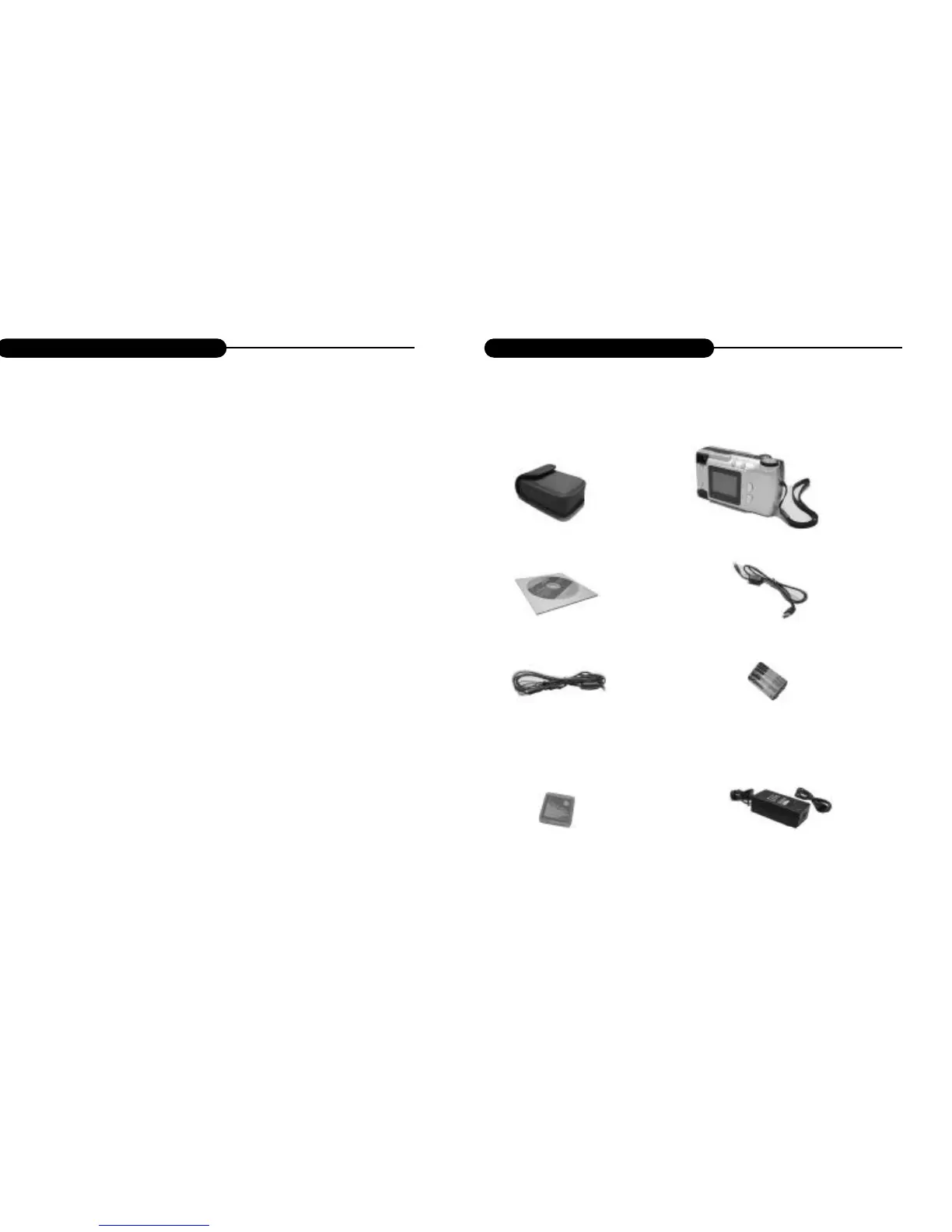
Camera case
Digital Camera
Driver disc
USB cable
Video cable
Battery
CF card
Adapter
Introduction



 To Next Page