26
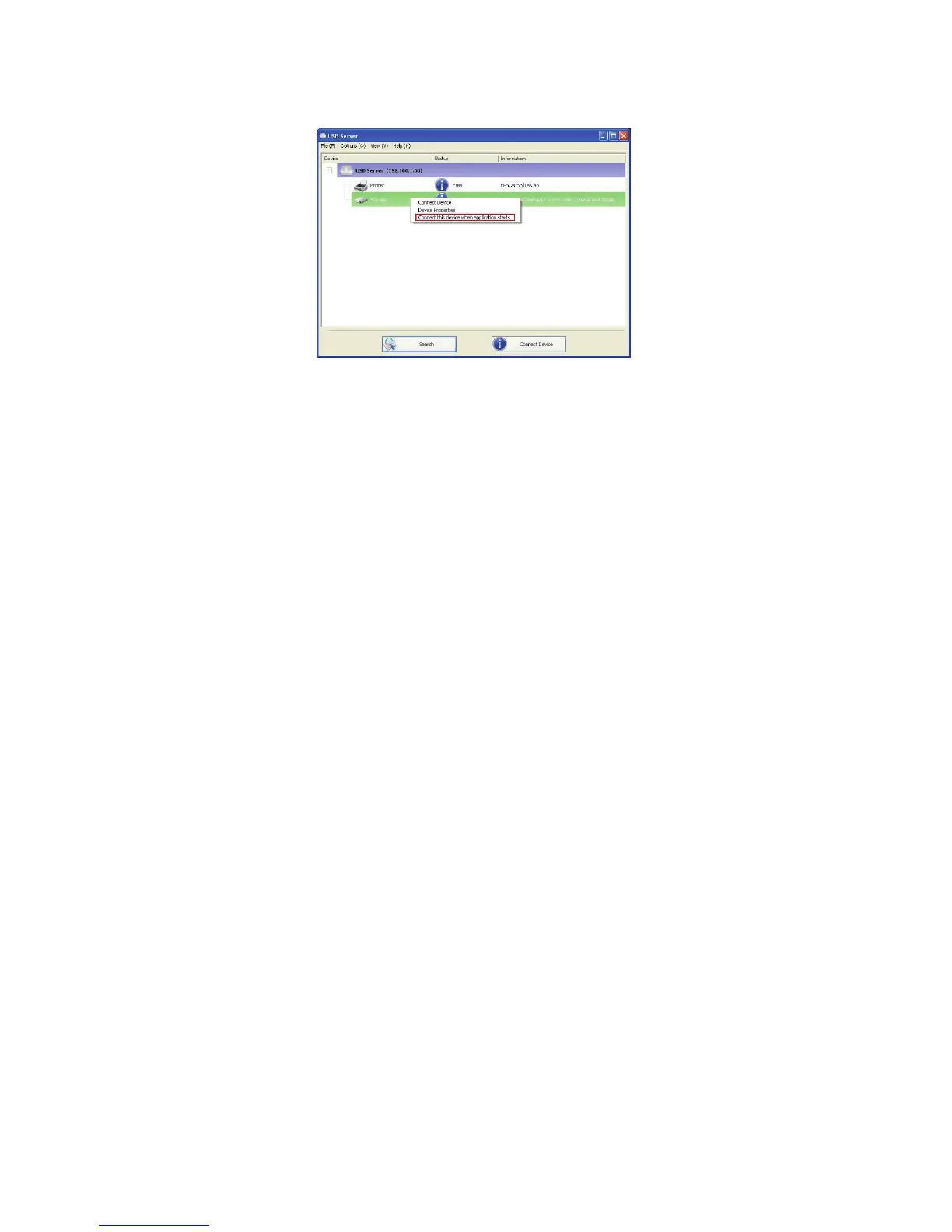
Also, like automatic connection by device function, if the user
disconnects the device manually, it will NOT be automatically connected
again until the software has been restarted.
Create a Shortcut on Your Desktop
This function creates a shortcut on your Desktop that, when double
clicked, starts up an application and connects a targeted device at the
same time. This function is particularly useful when the functions or one
of the functions of the targeted device must work with a specific
application, such as a multi-function printer and the photo/picture
scanning utility. Normally, if you want to scan with a scanner connected
to a USB server, you must first connect the Scanner with the USB
Server software, then run the scan software and start scanning. When
you finish with scanning you have to close the scan software and then
disconnect the scanner so that other user can use it.


 To Next Page