39
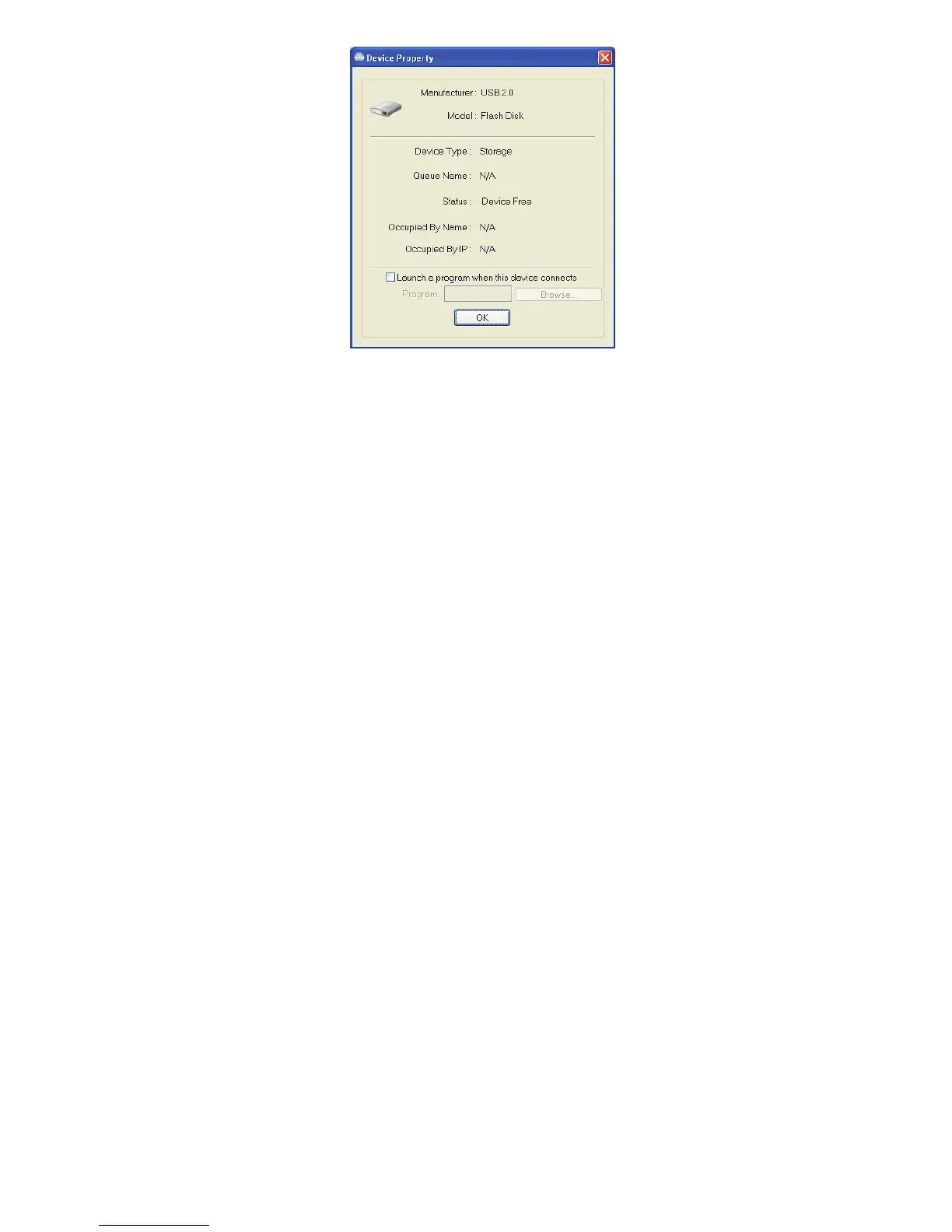
Device Property dialog box displays information of the USB device. If
the device is occupied, it also displays the occupying PC name and the
IP of the PC occupying it.
This dialog box provides a quite useful function. Check the Launch a
program when this device connects checkbox and provide the path to
that program/utility/application software, then the
program/utility/application software would automatically starts up after
you connect the device.
This function is particularly useful when the USB device you connect
works with an application, such as scanning utility with a multiple
function printer.


 To Next Page