10
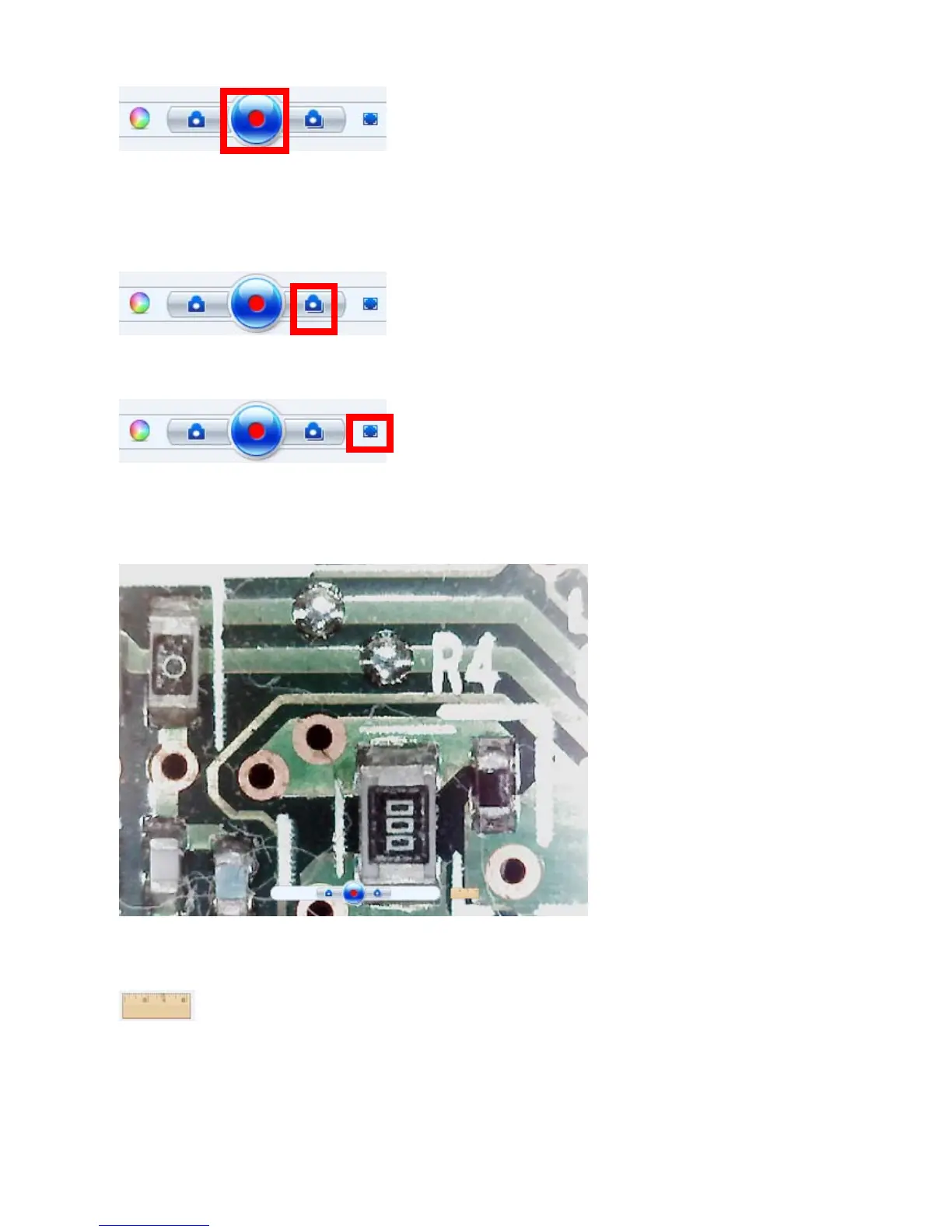
Video record button:Click the button to starts
recording video from your microscope. Click the
button again to stop recording.
Burst:Capture multiple images in a quick
succession.
Full Screen:Click the button to show the
current video in full screen, and then
double-click in full screen, back to the main
panel.
Full Screen Mode
Measure the video:Measurement length function as the below
steps.
Step1. Selected Low / High Magnification depend on magnification rate of
microscope



 To Next Page