C. TOTAL PRICE PANEL
Quantity value is shown here.
D. BUBBLE LEVEL
Refer to this bubble to obtain a horizontal position for the instrument.
E. CHARGE STATUS INDICATOR
Red = Recharging battery; Green = Charging completed.
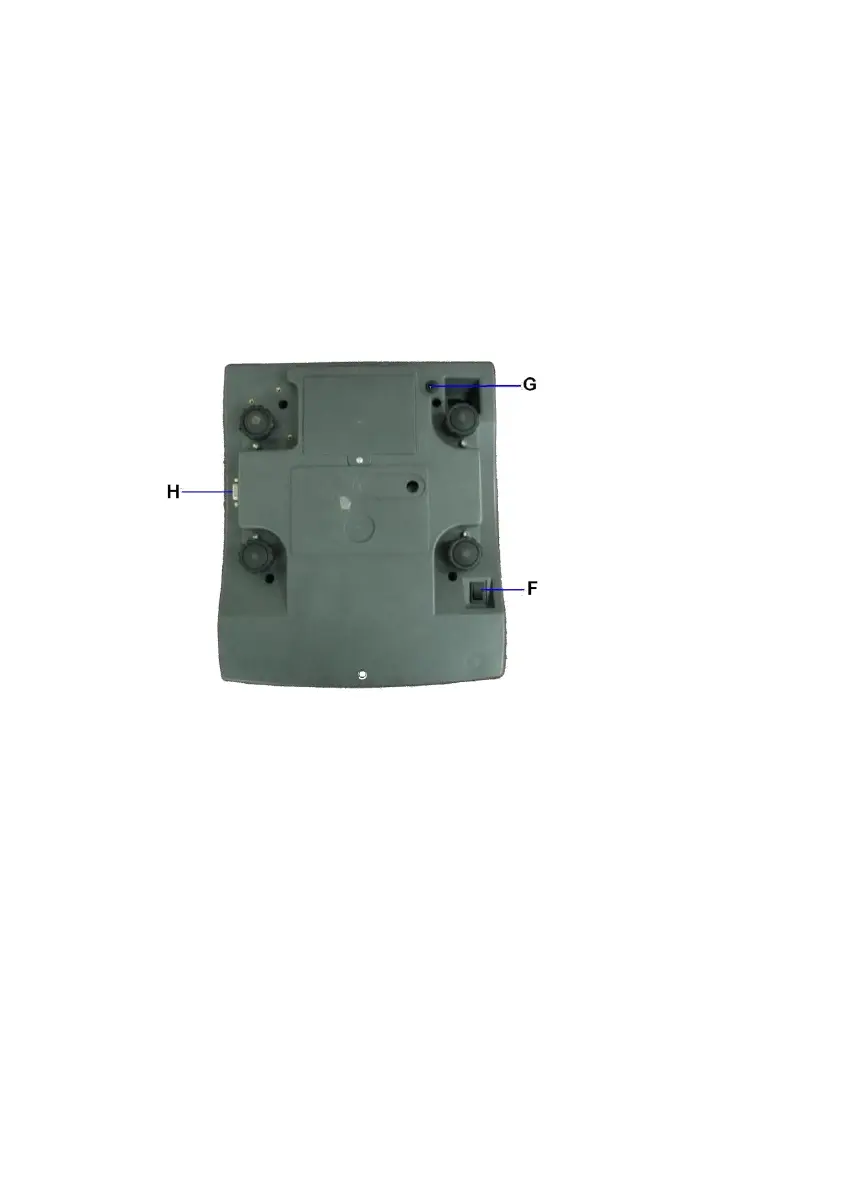
F. ON/OFF KEY
Press this key to turn the instrument on or off.
G. DC JACK INPUT
External power adaptor is plugged in here.
H. RS232 COMPORT
9 pin (DB9) RS232 interface output for connection with computer and other
peripherals.


 To Next Page